Wait until the page is ready
Browser waits hold a browser request until the page is ready. wait_browser picks the navigation event, wait_for waits for a CSS selector, and wait_ms adds a fixed delay. They run in that order.
500 credits after you confirm your email. No card.

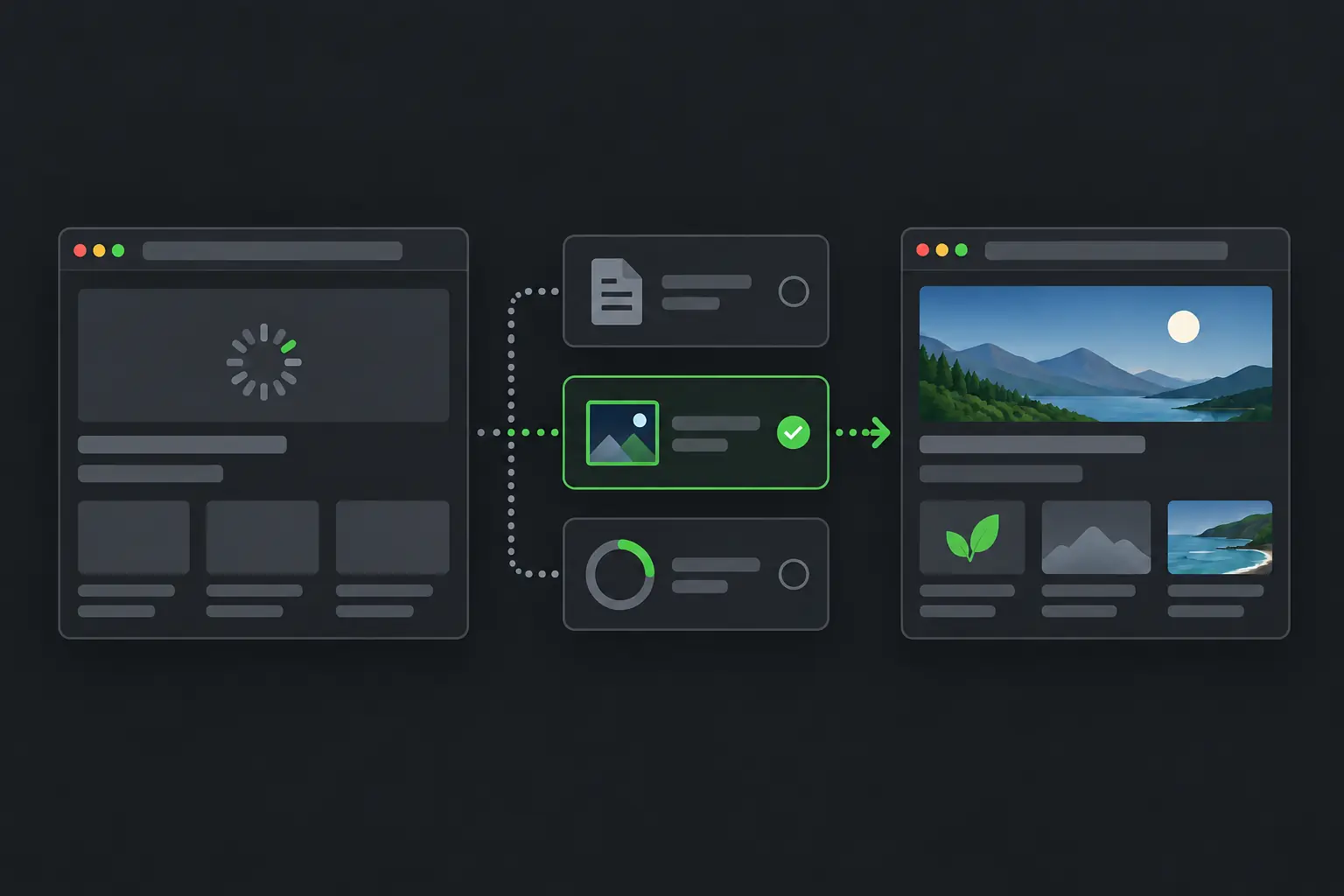
What this request asks for
- wait_for=.product-list
- Waits up to 15 seconds for the element to appear.
- wait_ms=1000
- Then waits one more second, for an animation that finishes late.
What it does for a request
- wait_browser
- domcontentloaded when the parsed HTML is enough, load for the normal load event, networkidle when network activity needs to settle.
- wait_for
- Waits up to 15 seconds for a CSS selector to appear, and continues as soon as it does.
- wait_ms
- Adds 0 to 30,000 milliseconds after the earlier waits.
- No price of its own
- Waits add no credits. They need a browser, and a browser request starts at 10 credits.
When to use it
Use it when
- Records load after the first HTML and an element marks when they are there.
- A short animation or transition must finish after that element appears.
Leave it out when
- A plain HTTP request already returns the data.
- The page has an element to wait for. Prefer wait_for over a long wait_ms.
How to set it
wait_browser
domcontentloaded, load or networkidle
Needs render_js=true in Standard mode.
wait_for
CSS selector
Needs render_js=true in Standard mode. Times out after 15 seconds.
wait_ms
0 to 30000
Needs render_js=true in Standard mode. Runs after wait_for.
In Auto mode
any wait, without render_js
The wait becomes a requirement, and Auto uses a browser route.
Limits to plan for
- Long fixed waits hold a browser slot and reduce throughput.
- Waiting counts against the 120 second sync limit. Send long jobs as async requests.
- Waits cannot click, scroll or type. The API has no interaction parameters.
Other features
Start with a plain request. Add browser, routing or waiting settings only when the page needs them.
Automatic routing
ScrapeDrive picks HTTP or browser, proxy pool and location, under the max_credits ceiling you set.
See the feature, Automatic routingJavaScript rendering
Load the page in a real browser so content that scripts add is in the result.
See the feature, JavaScript renderingProxy routing
Send a Standard request through datacenter or residential proxies, or through your own proxy.
See the feature, Proxy routingGeo targeting
Route a residential Standard request through the country you name with proxy_country.
See the feature, Geo targetingWebpage screenshots
Add an image of the viewport, the full page or one element to a request.
See the feature, Webpage screenshotsOutput formats
Choose HTML, visible text or Markdown with result_type, at the same price.
See the feature, Output formatsAsync requests
Get a job id at once, then poll for the result or receive it at an HTTPS webhook.
See the feature, Async requestsHeaders and sessions
Pass your own headers to the site and keep one proxy session across related requests.
See the feature, Headers and sessionsCost controls
Work out the price from the parameters, cap Auto with max_credits and read the settled charge.
See the feature, Cost controls
Try browser waits on your page
Paste a page URL into the Playground and see exactly what ScrapeDrive returns.
500 credits after you confirm your email. No card.