Try ScrapeDrive with 500 free credits. No card. Start free.

ScrapeDrive

Fetch public company pages. Keep account and market research current.

Company websites, pricing pages, careers pages and public registries change on their own schedules. Send a URL to ScrapeDrive and get the page back. Your application pulls out the facts used in account, competitor and market research.

500 credits after you confirm your email. No card.

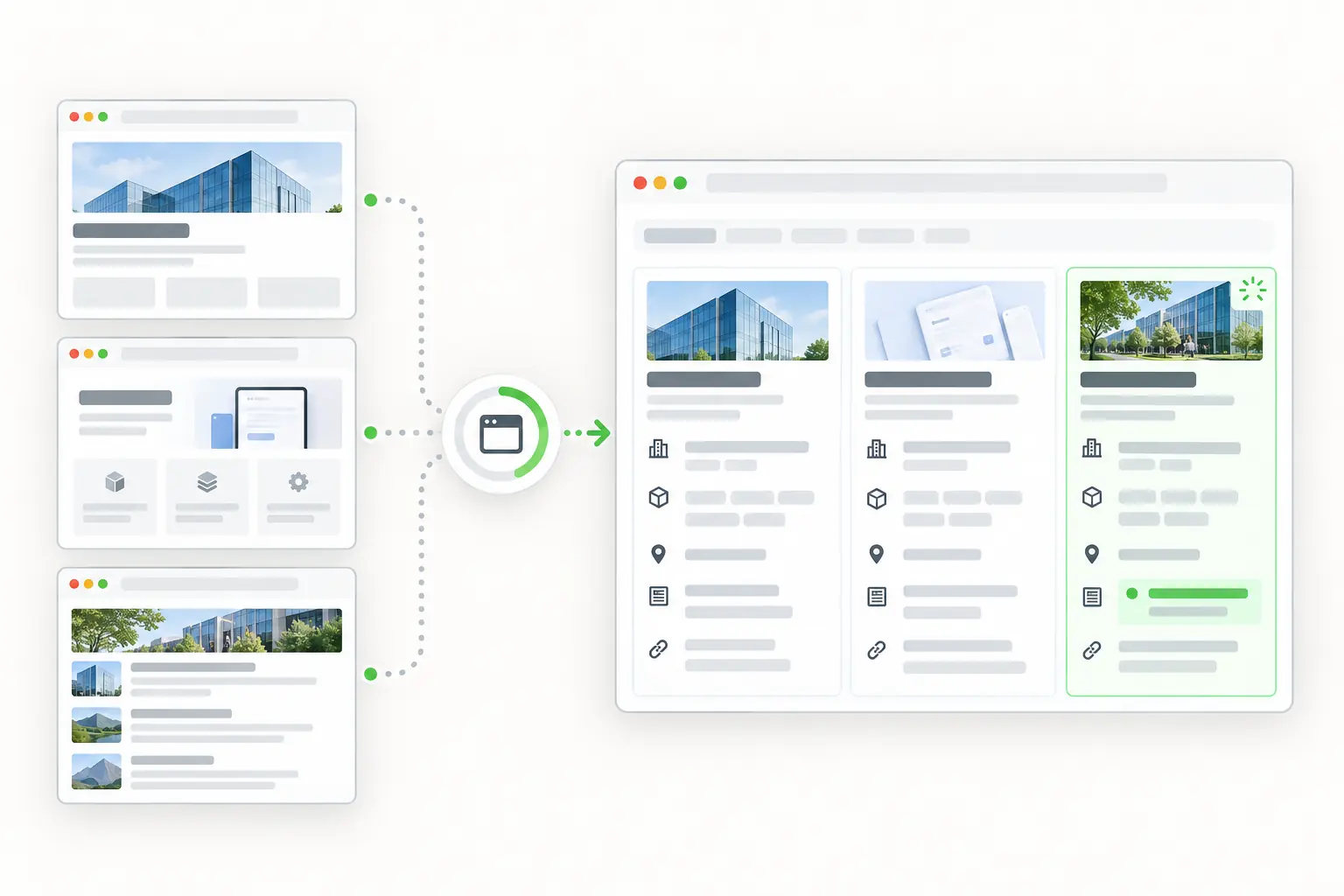
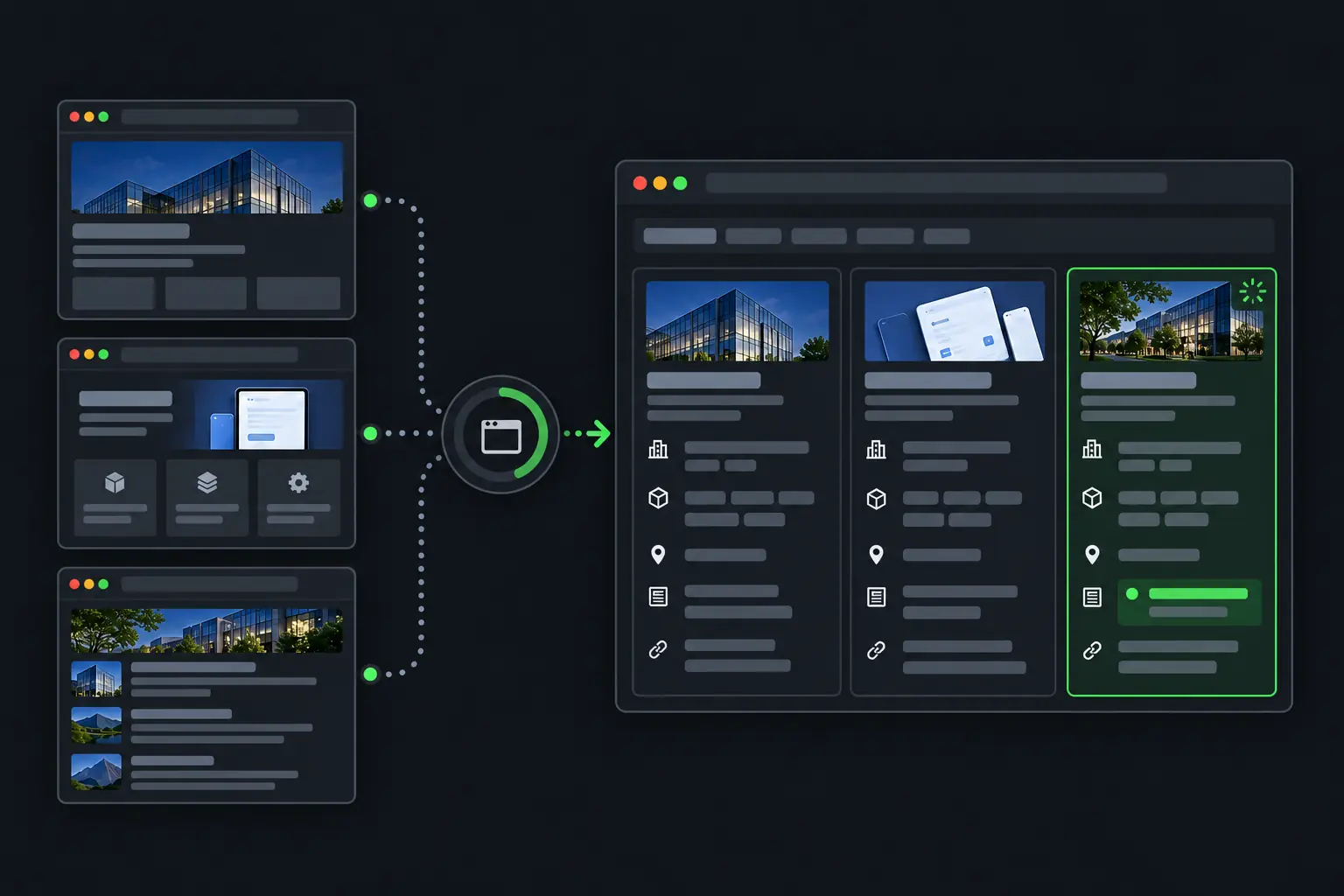
Public company websites becoming organized account research and change signals.
curl "https://sync.scrapedrive.com/api/v1/scrape" \
  -H "Content-Type: application/json" \
  -d '{
    "api_key": "YOUR_KEY",
    "url": "https://company.example/pricing",
    "result_type": "page_markdown",
    "render_js": true,
    "proxy_pool": "datacenter"
  }'

What comes back

Response body
The pricing page as Markdown, after its scripts ran.
X-Sdrive-Credits
The credits charged. A datacenter route with browser rendering costs 10.
X-Sdrive-Job-Id
The job id. The same job appears in your dashboard job history.
A request that ends without a result
Costs 0 credits.

What go-to-market teams fetch, and what they build.

Revenue and research teams use public company information to prepare accounts, compare offers, map markets and notice changes worth a closer look.

  • Company websites

    Products, locations and industries served

    What they build. Account and market profiles

  • Pricing pages

    Plans, packaging, limits and terms

    What they build. Competitor pricing comparisons

  • Careers pages

    Role, team, location and posting date

    What they build. Hiring and expansion signals

  • Product and release pages

    Features, positioning and launch dates

    What they build. Competitor change timelines

  • Public company registries

    Entity name, status and jurisdiction

    What they build. Company verification inputs

  • Review pages

    Rating, topic, date and review text

    What they build. Customer language research

Four ways go-to-market teams use fetched pages.

These workflows use company information, not personal contact details. ScrapeDrive fetches the page. Matching, scoring and CRM updates run in your systems.

Add current company facts to account records

Account records go stale as companies launch products and open offices. Sales operations teams fetch official company pages and update the fields they approved.

Who does it
Sales and revenue operations teams
Pages they fetch
Official company homepages, product pages and location pages
What they build
Account records where each field keeps its source URL and review date
Stays with your team
Matching the company, choosing which source wins, validating fields and updating the CRM
Account record prepared by your code
Company name
Matched
Products
From the source page
Locations
From the source page
Last reviewed
Your timestamp

Your team owns company matching, field priority and every CRM update.

See when a competitor changes its pricing

A new plan or a changed limit changes how your sales team pitches. Product marketing teams fetch public pricing pages and compare them with the last saved copy.

Who does it
Product marketing and competitive intelligence teams
Pages they fetch
Competitor pricing, plan and packaging pages
What they build
A pricing change log that keeps the original wording next to each change
Stays with your team
Separating plan names, prices and usage limits, comparing like with like and sending unclear changes to a person
Pricing changes your application found
ItemChange
Plan nameChanged
Monthly priceNew value found
Included usageWording changed
Annual termsNeeds review

ScrapeDrive returns each page. It does not decide that two plans are equivalent.

Follow the roles companies hire for

Open roles hint at where a company is investing. Market research teams fetch careers pages and group roles by team, location and date.

Who does it
Market research and strategy teams
Pages they fetch
Public careers pages and job detail pages
What they build
Hiring themes by team, region and seniority, with removed roles tracked too
Stays with your team
Removing duplicate postings and deciding what a hiring pattern means
Hiring themes your team reviews
Data team
Several open roles
New region
Needs review
Product line
Repeated specialist titles

Illustrative states. A pattern is a signal for research, not a fact about the company.

Map the companies in a category or region

A market map needs evidence behind every company it includes. Strategy teams combine company pages, registries and product pages under inclusion rules they set first.

Who does it
Strategy and business development teams
Pages they fetch
Company websites, public registry entries and product pages
What they build
A sourced market map with segments from your own taxonomy
ScrapeDrive features that help
Async requestsOutput formatsCost controls
Stays with your team
Defining inclusion rules, classifying companies and keeping unknown separate from absent
Market map workflow
  1. 1Write inclusion rulesYour team
  2. 2List the company pages to checkYour team
  3. 3Fetch each pageScrapeDrive
  4. 4Classify each company against your taxonomyYour code
  5. 5Review companies that do not fitYour analysts

ScrapeDrive supplies no company directory.

Keep engineering time for account and market workflows, not page-fetching infrastructure.

What ScrapeDrive handles, and what stays with you.

ScrapeDrive returns public page content. It supplies no leads, contacts or enriched CRM records.

ScrapeDrive does

  • Fetches each company, pricing, careers, registry or review URL you send
  • Runs a browser for pricing tables and job lists that load with JavaScript
  • Waits for a table or list selector for up to 15 seconds
  • Forwards headers you prefix with sdrive-
  • Keeps a sticky session across Standard requests with session_number
  • Returns HTML, visible text, Markdown or a screenshot
  • Charges 0 credits when a request ends without a result

Your team does

  • Choosing companies and pages
  • Parsing company facts, plans and roles
  • Matching companies to CRM accounts
  • Scoring accounts and deciding who to contact
  • Updating the CRM and keeping history

Need an agreed collection with fields delivered on a schedule? Managed scraping builds and runs it for you. See managed scraping

Features company pages tend to need.

Start with a plain request. Add browser, routing or waiting settings only when the page needs them.

Questions go-to-market teams ask

Start with one company page.

Paste a page URL into the Playground and see exactly what ScrapeDrive returns.

500 credits after you confirm your email. No card.