Try ScrapeDrive with 500 free credits. No card. Start free.

ScrapeDrive

Fetch product pages. Track prices, stock and assortments.

Product information changes across retailers, brands and marketplaces. Send each product or category URL to ScrapeDrive and get the page back. Your application turns it into the product data it needs.

500 credits after you confirm your email. No card.

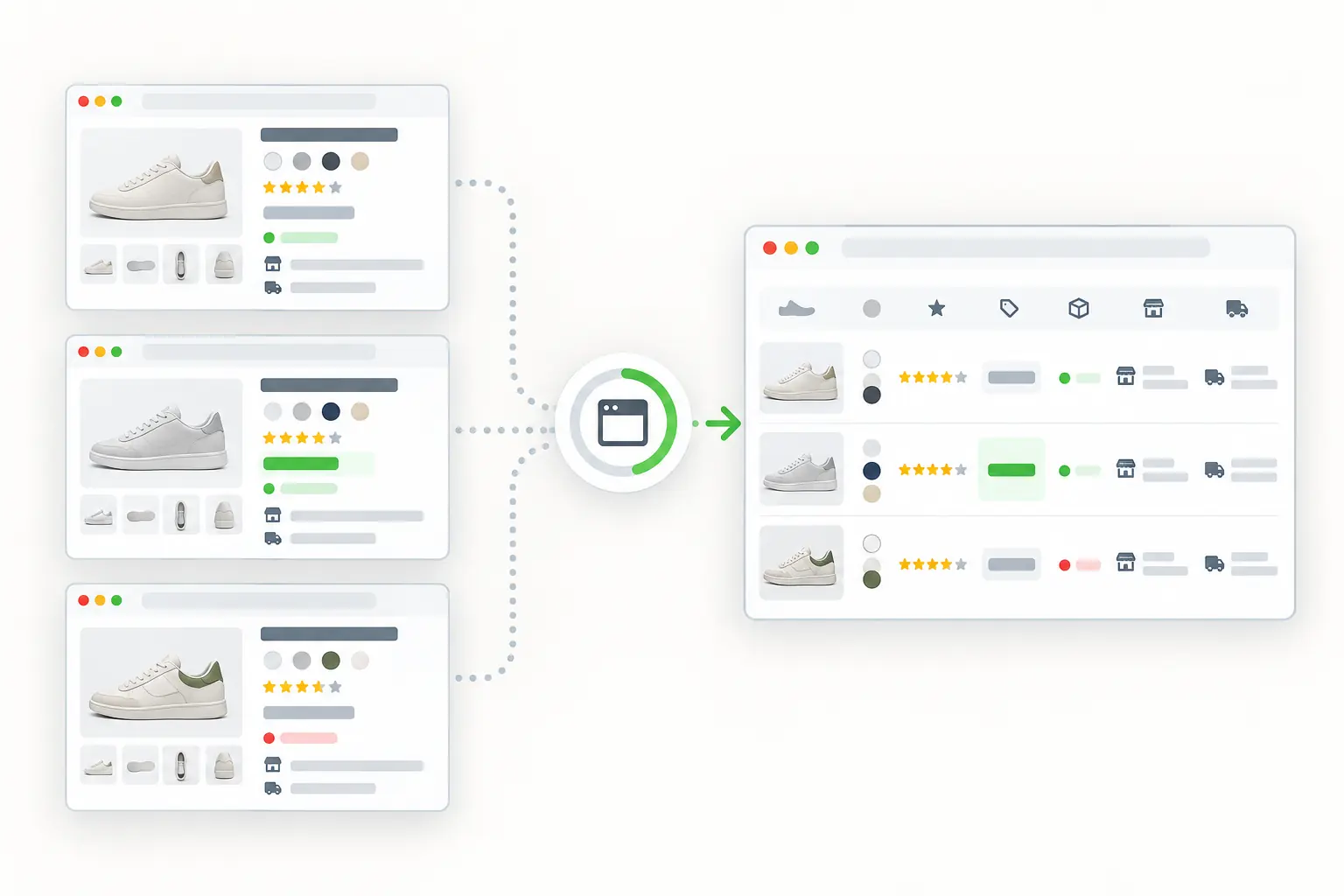
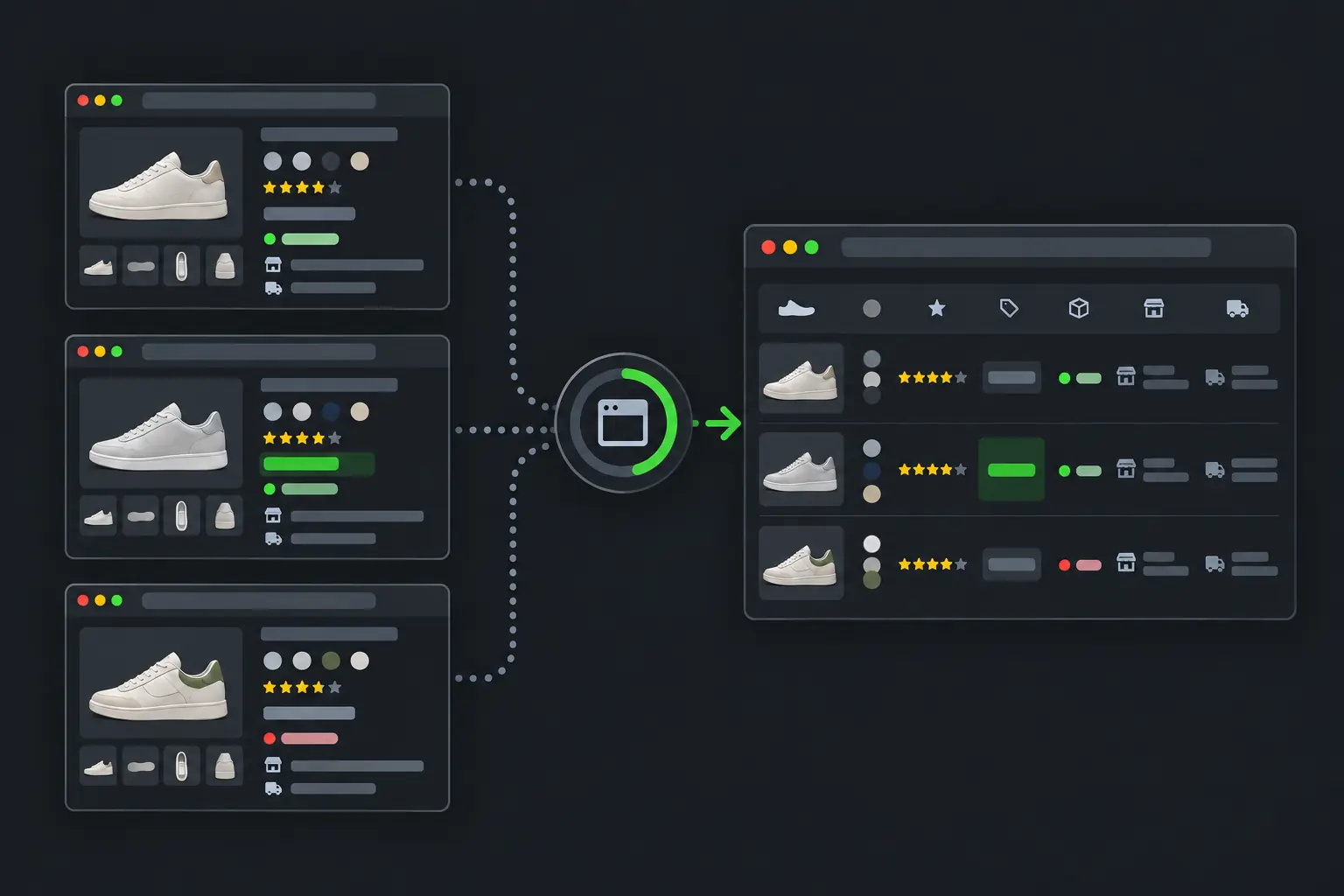
Public product pages becoming normalized catalog and monitoring data.
curl "https://sync.scrapedrive.com/api/v1/scrape" \
  -H "Content-Type: application/json" \
  -d '{
    "api_key": "YOUR_KEY",
    "url": "https://shop.example/products/example-item",
    "result_type": "html",
    "render_js": true,
    "proxy_pool": "datacenter"
  }'

What comes back

Response body
The product page HTML after its scripts ran, for your parser to read.
X-Sdrive-Credits
The credits charged. A datacenter route with browser rendering costs 10.
X-Sdrive-Job-Id
The job id. The same job appears in your dashboard job history.
A request that ends without a result
Costs 0 credits.

What ecommerce teams fetch, and what they build.

Pricing and catalog teams fetch product and category pages to keep their own systems current. Brand teams fetch smaller, focused sets to review how their products appear.

  • Product detail pages

    Title, product ID, price, currency, availability and seller

    What they build. Catalog records and product comparisons

  • Category pages

    Product links, display order, prices and promotion labels

    What they build. Assortment and shelf position views

  • Marketplace offer pages

    Seller, condition, price, shipping and availability

    What they build. Offer and seller comparisons

  • Review pages

    Rating, review count, dates and review text

    What they build. Product and customer research

  • Promotion pages

    Offer terms, eligible products and dates

    What they build. Promotion history

Four ways ecommerce teams use fetched pages.

Every workflow below starts from product or category URLs your team chooses. Pricing, matching and review logic live in your system.

Compare the same products across shops

Pricing teams want to know when a competitor changes a price before they change their own. They fetch the same product pages again and compare what they find.

Who does it
Pricing and revenue teams
Pages they fetch
Competitor product detail pages for the products you sell
What they build
A price comparison for each product, with the source URL and capture time
Stays with your team
Matching equivalent products, converting currencies, storing price history and deciding when to reprice
Price comparison built by your application
ProductYour priceCompetitor pageNext step
Product AYour valueChangedNeeds review
Product BYour valueUnchangedNone
Product CYour valueOut of stockCheck availability

Placeholder states. Your parser reads the real values from each returned page.

See which products appear in each category

Where a product sits on a category page affects whether shoppers find it. Catalog and marketplace teams fetch category pages as well as product pages.

Who does it
Catalog, category and marketplace teams
Pages they fetch
Category and listing pages, plus the product pages they link to
What they build
An assortment view of which products each shop lists, and in what order
ScrapeDrive features that help
Browser waitsOutput formatsAsync requests
Stays with your team
Recording display position, connecting listings to your own product IDs and spotting additions and removals
Assortment view
ProductShop AShop BShop C
Model oneListedListedMissing
Model twoListedMissingListed
Model threeMissingListedListed

Matching and classification happen in your application.

Review how resellers advertise your products

Brands with an advertised price policy need evidence when a reseller shows a different price. A screenshot keeps what the shopper saw next to the page content.

Who does it
Brand protection and channel teams
Pages they fetch
Reseller product and offer pages for your brand
What they build
A review queue of offers, each with the page URL, capture time and a screenshot
ScrapeDrive features that help
Webpage screenshotsGeo targetingProxy routing
Stays with your team
Your price policy, the matching rules, the decision to act and any contact with the reseller
Offer review record
Expected price
From your policy
Displayed price
Parsed by your code
Screenshot
Saved with the page
Status
Needs review

ScrapeDrive returns the page and the screenshot. A person on your team decides whether a policy was broken.

Learn what shoppers praise and complain about

Reviews show which problems come up again and again, such as sizing, delivery or durability. Research teams read them at a scale no one can read by hand.

Who does it
Product and customer research teams
Pages they fetch
Public review pages for your products and close competitors
What they build
Review themes that link back to the reviews behind them
ScrapeDrive features that help
Output formatsBrowser waitsAsync requests
Stays with your team
Removing duplicate reviews, classifying themes and keeping evidence for every conclusion
Review research workflow
  1. 1Send each review page URLYour team
  2. 2Return the page as visible textScrapeDrive
  3. 3Keep rating, date and product with each reviewYour code
  4. 4Group reviews into themesYour code
  5. 5Check each theme against its source reviewsYour researchers

Themes are your team's conclusions. ScrapeDrive does not produce them.

Keep engineering time for the commerce system your team owns.

What ScrapeDrive handles, and what stays with you.

ScrapeDrive fetches product and category pages. Your system owns the catalog, the prices and every decision made from them.

ScrapeDrive does

  • Fetches each product, category, offer or review URL you send
  • Runs a browser when prices or stock load with JavaScript
  • Waits for a price or product grid selector for up to 15 seconds
  • Routes through datacenter or residential proxies, with a country for residential requests
  • Captures a viewport, full page or element screenshot
  • Returns HTML, visible text or Markdown at the same price
  • Charges 0 credits when a request ends without a result

Your team does

  • Choosing products, shops and pages
  • Parsing title, price, currency and stock
  • Matching the same product across shops
  • Scheduling repeat fetches and storing price history
  • Deciding when to reprice, restock or contact a reseller

Need a product feed with agreed fields delivered on a schedule? Managed scraping builds and runs it for you. See managed scraping

Features product pages tend to need.

Start with a plain request. Add browser, routing or waiting settings only when the page needs them.

Questions ecommerce teams ask

Start with one product page.

Paste a page URL into the Playground and see exactly what ScrapeDrive returns.

500 credits after you confirm your email. No card.