Try ScrapeDrive with 500 free credits. No card. Start free.

ScrapeDrive

Fetch public security pages. Keep security research current.

Advisories, vulnerability records, domain records and abuse reports change across many public sources. Send each URL to ScrapeDrive and get the page back. Your security system connects it to the assets you protect.

500 credits after you confirm your email. No card.

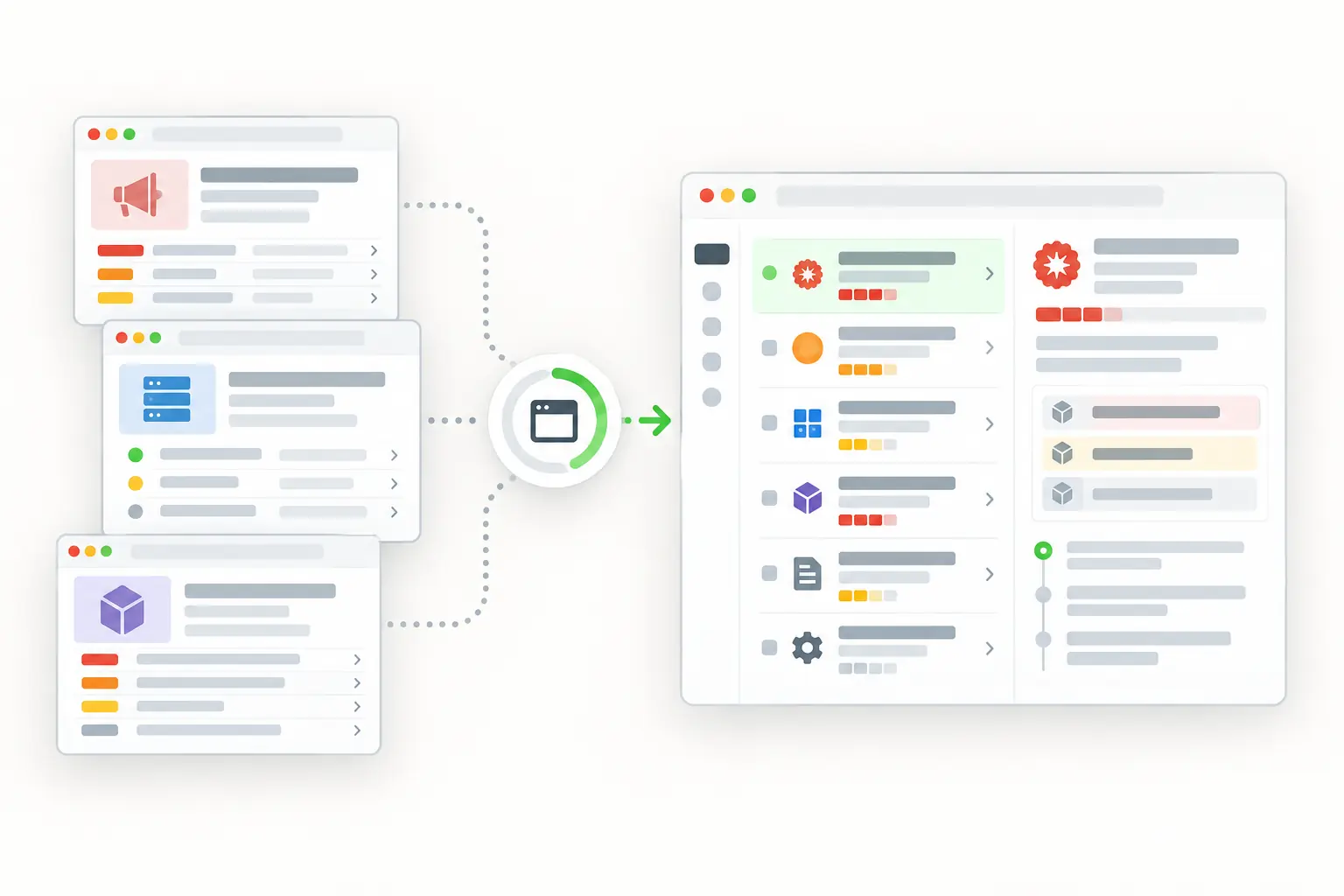
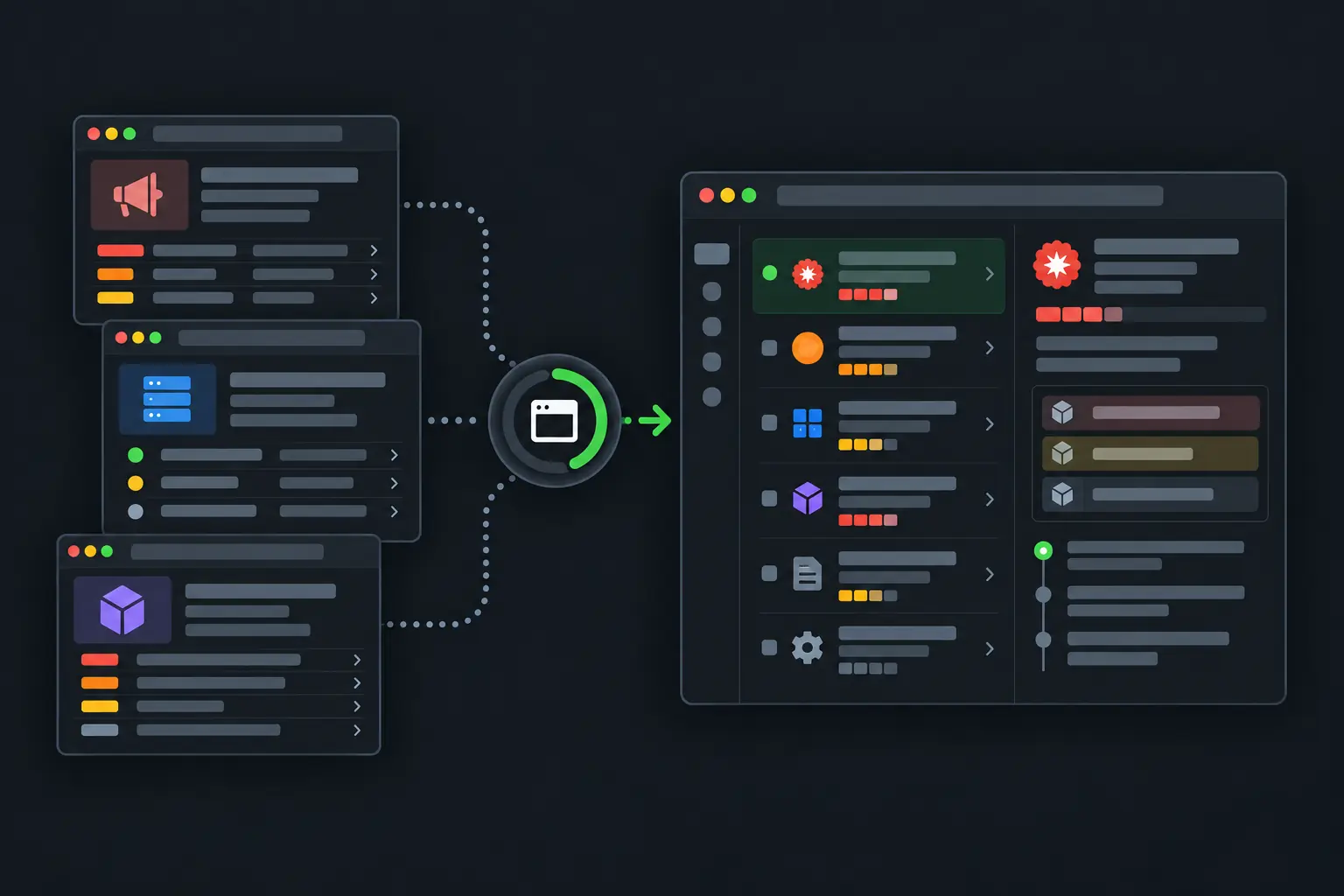
Public security advisories becoming a structured change-monitoring workspace.
curl "https://sync.scrapedrive.com/api/v1/scrape" \
  -H "Content-Type: application/json" \
  -d '{
    "api_key": "YOUR_KEY",
    "url": "https://security.example/advisories/example-advisory",
    "result_type": "page_text",
    "proxy_pool": "datacenter"
  }'

What comes back

Response body
The visible text of the advisory page.
X-Sdrive-Credits
The credits charged. A plain datacenter request costs 5.
X-Sdrive-Job-Id
The job id. The same job appears in your dashboard job history.
A request that ends without a result
Costs 0 credits.

What security teams fetch, and what they build.

Security operations and research teams follow selected public sources. Their own systems connect new evidence with the assets and products they protect.

  • Vulnerability pages

    Identifier, severity, affected products and fix status

    What they build. Vulnerability research records

  • Vendor advisories

    Affected versions, mitigation and publication date

    What they build. Review queues for each product

  • Domain and certificate pages

    Hostnames, issuer, validity and DNS details

    What they build. External asset observations

  • Public abuse reports

    Indicator, category, evidence and date

    What they build. Investigation inputs

  • Suspected phishing pages

    Brand text, forms and appearance

    What they build. Takedown evidence and case records

  • Incident reports

    Indicators, techniques and timelines

    What they build. Threat research timelines

Four ways security teams use fetched pages.

ScrapeDrive fetches public pages. Scoring risk, confirming a threat and acting on it stay with your analysts.

Bring public advisories into one review queue

Advisories land on vendor sites, government databases and project pages. Vulnerability teams fetch them so one queue shows what might affect their stack.

Who does it
Vulnerability management teams
Pages they fetch
Official vulnerability records and vendor advisory pages
What they build
Advisory records keyed by identifier and matched to internal products
ScrapeDrive features that help
Output formatsBrowser waitsAsync requests
Stays with your team
Matching affected products to your assets, setting priority and resolving conflicting sources
Advisory record prepared by your code
Identifier
CVE-YYYY-NNNN
Affected product
Matched internally
Published
Source date
Fix available
Needs review

Your rules decide relevance and priority. ScrapeDrive does not assess risk.

Keep evidence of a phishing page

A phishing page can disappear before anyone reviews it. Brand protection teams capture its text and appearance while it is still up, then build a case.

Who does it
Brand protection and abuse teams
Pages they fetch
Suspected phishing and lookalike pages reported to them
What they build
Case records with the page URL, visible text, screenshot and capture time
Stays with your team
Deciding whether a page abuses your brand, filing takedown requests and keeping the case history
Case evidence your system stores
Page URL
Saved with the case
Screenshot
Full page capture from the request
Visible brand text
Matched by your rules
First observed
Your system's timestamp

A capture is evidence for a person to review. It is not proof of intent.

Connect public domain records to your asset inventory

New hostnames and certificates can appear in public records before anyone adds them to the asset inventory. Asset teams compare those records with the domains they know.

Who does it
Attack surface and asset inventory teams
Pages they fetch
Selected public certificate, DNS and domain record pages
What they build
A list of observations compared with known company domains and hosts
Stays with your team
Confirming ownership, judging exposure and tracking first and last observation
Changes your application found
ObservationNext step
New hostnameCheck ownership
Certificate changeExpected rotation?
DNS changeConfirm configuration
Unknown serviceSend for review

Your security process decides ownership, exposure and severity.

Link public threat reports back to their sources

Researchers read incident reports, technical blogs and public notices. Every conclusion needs a source they can show later.

Who does it
Threat intelligence researchers
Pages they fetch
Public incident reports, security blogs and government notices
What they build
Research timelines where each indicator links to the page it came from
Stays with your team
Parsing indicators, resolving actor aliases, removing duplicates and judging source reliability
Research timeline workflow
  1. 1Pick the reports and notices to followYour researchers
  2. 2Return each page as MarkdownScrapeDrive
  3. 3Keep publication and capture datesYour code
  4. 4Pull indicators and techniques from the textYour code
  5. 5Review conclusions against source excerptsYour researchers

Observations and conclusions stay separate in your system.

Keep engineering time for security analysis, not page-fetching infrastructure.

What ScrapeDrive handles, and what stays with you.

ScrapeDrive fetches the public page you name. Detection, scoring and response stay inside your security stack.

ScrapeDrive does

  • Fetches each public advisory, record, report or suspect page you send
  • Runs a browser for pages that build their content with JavaScript
  • Waits for a named section for up to 15 seconds
  • Captures a screenshot when appearance matters
  • Forwards your own headers when you prefix them with sdrive-
  • Returns a job id you can store with each case
  • Charges 0 credits when a request ends without a result

Your team does

  • Choosing which public sources to follow
  • Parsing identifiers, indicators and dates
  • Matching findings to your assets
  • Scoring severity and deciding what to act on
  • Keeping case records and evidence history

Need agreed public sources collected on a schedule? Managed scraping builds and runs that for you. See managed scraping

Features security pages tend to need.

Start with a plain request. Add browser, routing or waiting settings only when the page needs them.

Questions security teams ask

Start with one public security page.

Paste a page URL into the Playground and see exactly what ScrapeDrive returns.

500 credits after you confirm your email. No card.