Try ScrapeDrive with 500 free credits. No card. Start free.

ScrapeDrive

Fetch public financial pages. Build research and review workflows.

Filings, rate tables, regulator notices and company updates live across many public pages. Send a URL to ScrapeDrive and get the page back. Your application parses, checks, compares and stores what it needs.

500 credits after you confirm your email. No card.

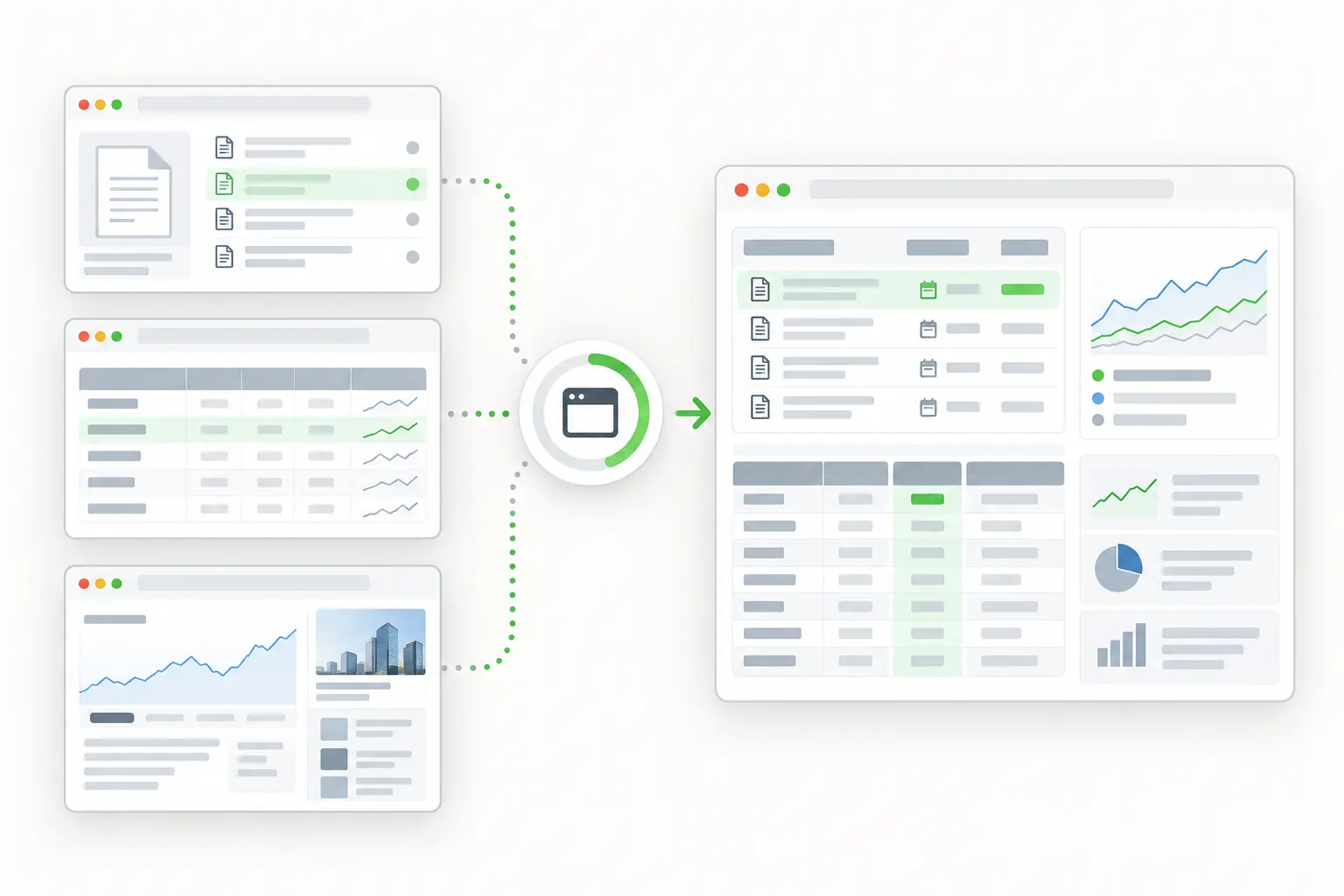
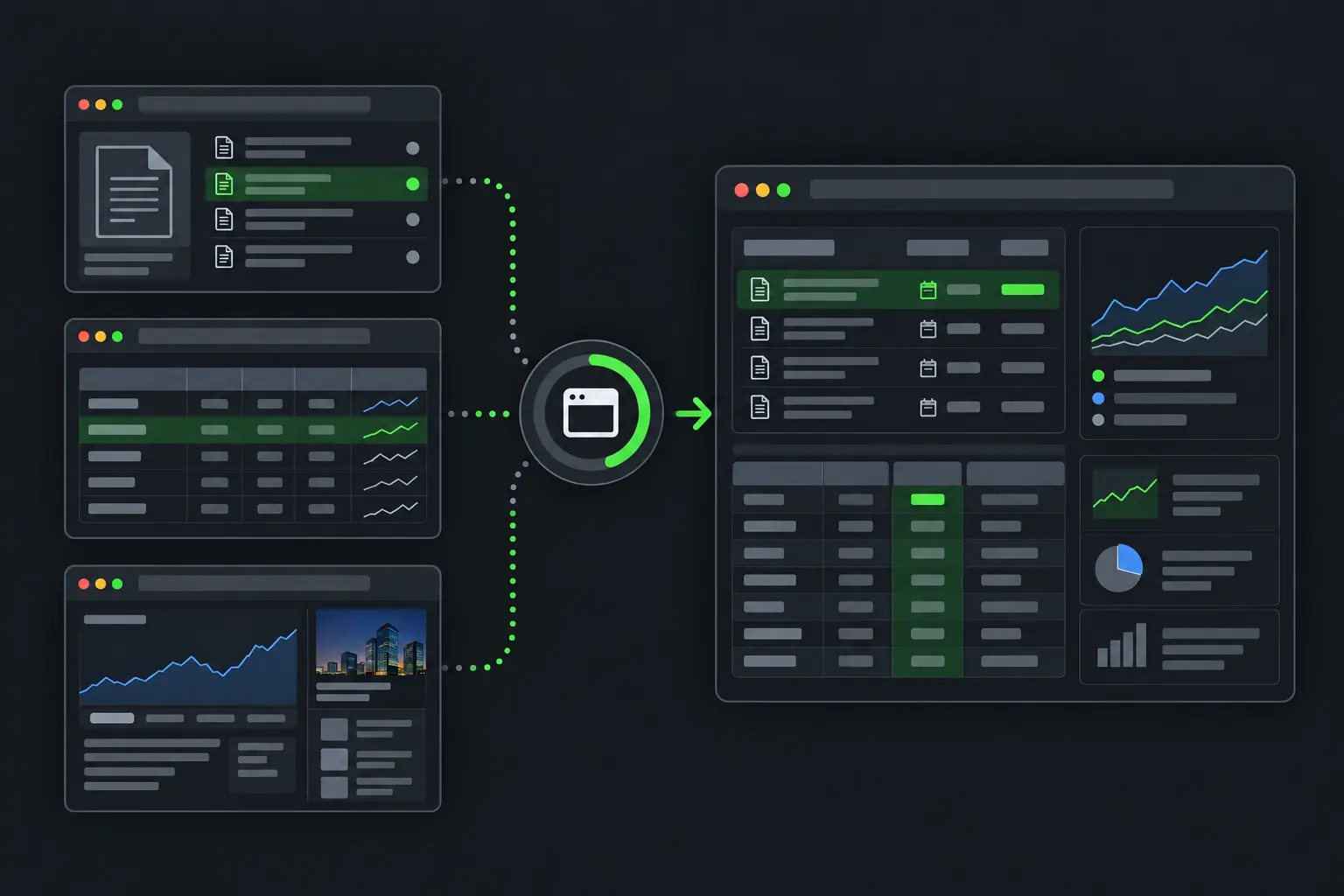
Public financial pages becoming structured monitoring and comparison data.
curl "https://sync.scrapedrive.com/api/v1/scrape" \
  -H "Content-Type: application/json" \
  -d '{
    "api_key": "YOUR_KEY",
    "url": "https://rates.example/savings-accounts",
    "result_type": "page_text",
    "proxy_pool": "residential",
    "proxy_country": "us"
  }'

What comes back

Response body
The visible text of the rate page as it appears from the United States.
X-Sdrive-Credits
The credits charged. A residential route without a browser costs 10.
X-Sdrive-Job-Id
The job id. The same job appears in your dashboard job history.
A request that ends without a result
Costs 0 credits.

What financial teams fetch, and what they build.

Research and product teams follow companies, rates and rules. Risk and compliance teams use selected public sources as inputs to their own review processes.

  • Regulatory filings

    Company, filing type, date and document links

    What they build. Filing search and event feeds

  • Investor relations pages

    Results, guidance and announcements

    What they build. Company research timelines

  • Public rate tables

    Product, term, rate, fees and date

    What they build. Rate comparisons and change views

  • Regulator notices

    Rule, agency, dates, status and links

    What they build. Regulatory review queues

  • Official sanctions lists

    Names, aliases, programs and dates

    What they build. Screening review inputs

  • Company and careers pages

    Products, locations and open roles

    What they build. Company and sector research

Four ways financial teams use fetched pages.

ScrapeDrive supplies no market data and makes no compliance decision. It fetches the public pages your team relies on.

Keep filings and company announcements in one research view

Analysts piece a company's story together from filings, earnings releases and guidance pages. Fetching them into one place saves hunting across sites.

Who does it
Equity and credit research analysts
Pages they fetch
Public filing indexes, filing documents and investor relations pages
What they build
A company timeline where every event links to its source document
ScrapeDrive features that help
Output formatsAsync requestsBrowser waits
Stays with your team
Matching the company, removing duplicate events and deciding what counts as an event
Company timeline your application keeps
ItemWhat your code recorded
Annual filingAdded
Earnings releaseAdded
Guidance pageChanged

Your application links each entry to its source URL and capture time.

Compare public rates on the same terms

A rate means little without its term, fees and conditions. Product teams fetch lender and provider pages, then line up only the products that compare.

Who does it
Comparison product and pricing teams
Pages they fetch
Public rate and product pages from lenders, banks and providers
What they build
A rate comparison that keeps each page's stated conditions and capture date
Stays with your team
Aligning product names, terms, units and fees, and flagging rates that cannot be compared
Comparison prepared by your application
ProviderProductRate
Provider AFixedSource value
Provider BFixedSource value
Provider CVariableSource value

Placeholders. ScrapeDrive supplies no rates and does not verify them.

Find new regulator notices and changed deadlines

Compliance teams need to see new rules and changed dates quickly. They fetch the notice pages they follow and compare each version with the last one.

Who does it
Compliance operations teams
Pages they fetch
Regulator rule, guidance and notice pages
What they build
A review queue that routes each change to the right reviewer
ScrapeDrive features that help
Async requestsOutput formatsCost controls
Stays with your team
Comparing versions, judging relevance and deciding the required action
Review queue
Proposed rule
Comment date changed
Final rule
Effective date added
Guidance notice
New document published

ScrapeDrive returns pages. Your team sets relevance, meaning and action.

Bring official lists into an existing screening process

Screening teams check names against official sanctions lists. Those lists change, and every possible match needs a person to review it.

Who does it
Risk and financial crime teams
Pages they fetch
Official sanctions list pages and related notices
What they build
Screening inputs with names, aliases, programs and list dates
ScrapeDrive features that help
Output formatsProxy routingAsync requests
Stays with your team
Name matching, alias handling, list coverage and every screening decision
Possible match. Human review required
Search name
Example Holdings
Source name
Example Holding Ltd.
Alias
Example Group
Program
Source specific value

A page API does not make a compliance decision or cover every list.

Keep engineering time for research and financial products, not page-fetching infrastructure.

What ScrapeDrive handles, and what stays with you.

ScrapeDrive fetches public pages. Financial interpretation, validation and decisions stay with your team.

ScrapeDrive does

  • Fetches each public filing, rate, notice, list or company URL you send
  • Sends residential requests from a chosen country, for pages that differ by region
  • Runs a browser for rate tables that load with JavaScript
  • Waits for a table selector for up to 15 seconds
  • Returns HTML, visible text, Markdown or a screenshot
  • Keeps Auto mode requests under the max_credits ceiling you set
  • Charges 0 credits when a request ends without a result

Your team does

  • Choosing sources and checking their terms
  • Parsing figures, dates and identifiers
  • Validating values and flagging what cannot be compared
  • Storing versions and history
  • Every research, pricing and compliance decision

Need agreed sources, fields and delivery handled for you? Managed scraping builds and runs that collection. See managed scraping

Features financial pages tend to need.

Start with a plain request. Add browser, routing or waiting settings only when the page needs them.

Questions financial teams ask

Start with one public financial page.

Paste a page URL into the Playground and see exactly what ScrapeDrive returns.

500 credits after you confirm your email. No card.