Try ScrapeDrive with 500 free credits. No card. Start free.

ScrapeDrive

Fetch public healthcare pages. Keep research and directory work current.

Trial records, drug notices, provider directories, publications and public price pages change on different schedules. Send a public URL to ScrapeDrive and process the returned page under your organization's quality, privacy and review rules.

500 credits after you confirm your email. No card.

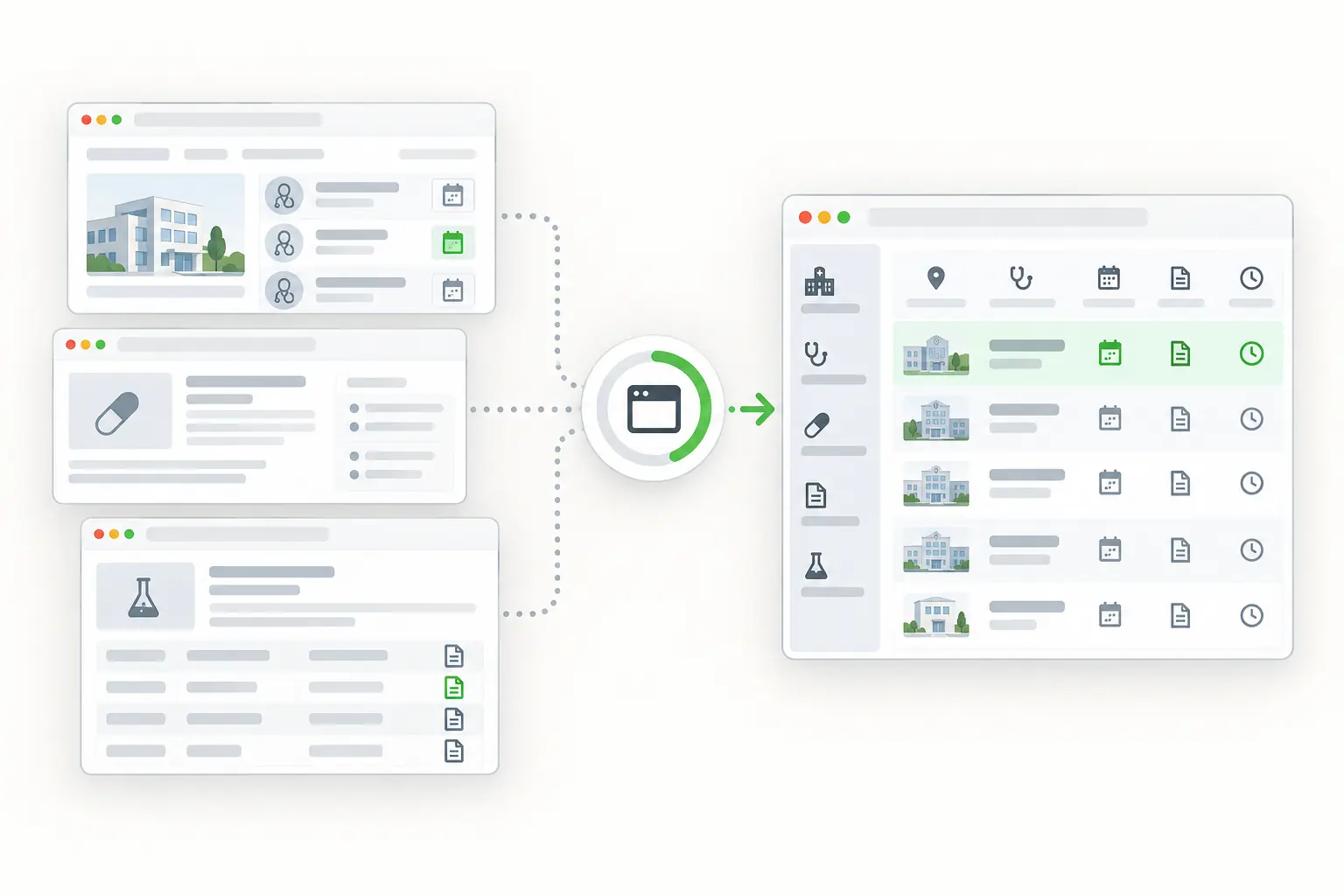
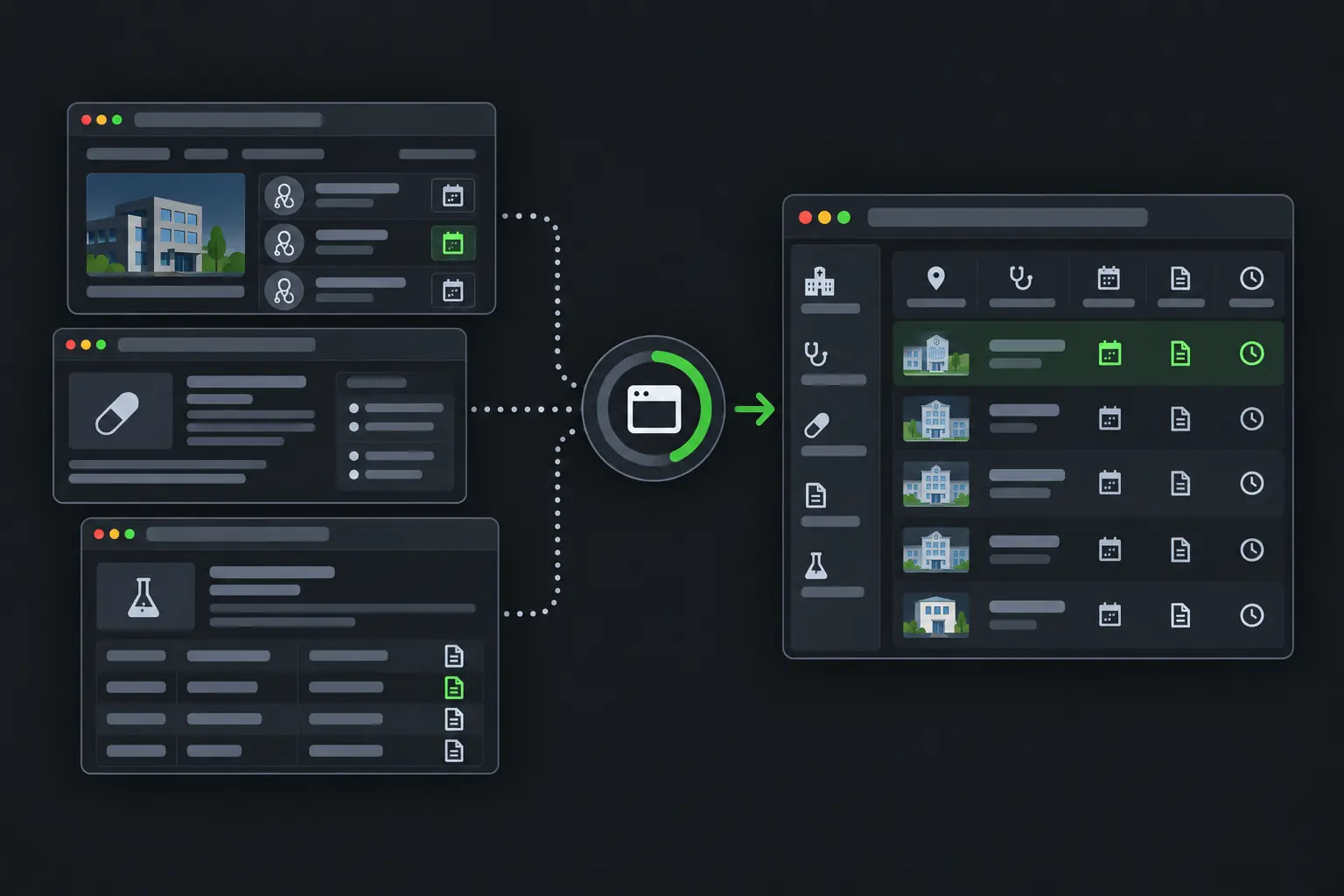
Public healthcare directories and research listings becoming structured records.
curl "https://sync.scrapedrive.com/api/v1/scrape" \
  -H "Content-Type: application/json" \
  -d '{
    "api_key": "YOUR_KEY",
    "url": "https://health.example/studies/example-study",
    "result_type": "page_text",
    "render_js": true,
    "proxy_pool": "datacenter"
  }'

What comes back

Response body
The visible text of the study page, after its scripts ran.
X-Sdrive-Credits
The credits charged. A datacenter route with browser rendering costs 10.
X-Sdrive-Job-Id
The job id. The same job appears in your dashboard job history.
A request that ends without a result
Costs 0 credits.

What healthcare teams fetch, and what they build.

Research, safety, market access and provider data teams follow public sources to find changes, fill review queues and link people back to official records.

  • Clinical trial records

    Study ID, phase, status, sponsor, conditions and locations

    What they build. Trial research and matching inputs

  • Drug and safety notices

    Product, event, action, date and links

    What they build. Safety and regulatory review queues

  • Public price pages

    Service, amount, payer and terms

    What they build. Price comparison and transparency tools

  • Provider directories

    Name, identifier, specialty and address

    What they build. Directory verification workflows

  • Research publications

    Title, authors, abstract, date and links

    What they build. Literature and evidence indexes

  • Guidance pages

    Topic, recommendation, version and date

    What they build. Guidance change reviews

Four ways healthcare teams use fetched pages.

Every workflow here uses public pages that need no login. Medical, safety and compliance decisions stay with qualified people on your team.

Follow selected studies and catch record changes

A recruitment status or enrollment target can change between visits. Clinical research teams fetch public study records and compare them with the versions they saved.

Who does it
Clinical research and competitive intelligence teams
Pages they fetch
Public clinical trial registry pages for the studies they follow
What they build
A study change review keyed by study ID, with current and earlier versions
Stays with your team
Deciding which changes are material and who must review them
Study changes your application found
FieldChange
Recruitment statusChanged
Enrollment targetUpdated
Study siteAdded
Primary outcomeWording changed

Your rules decide what counts as material.

Assemble public safety notices for qualified reviewers

Safety and medical affairs teams follow official alerts, labels and notices. Every notice needs its source wording and date before a specialist reviews it.

Who does it
Drug safety and medical affairs teams
Pages they fetch
Official drug alerts, label update pages and public notices
What they build
Notice records waiting for specialist review
Stays with your team
Resolving product identifiers, classifying notices and every safety decision
Public notice record
Product name
Source wording
Notice type
Your classification
Published
Source date
Review status
Awaiting a specialist

Fetching pages does not replace formal safety systems or medical review.

Compare public prices without losing their conditions

A published price means little without its payer, plan and price type. Market access and product teams fetch public price pages and keep every qualifier.

Who does it
Market access and healthcare product teams
Pages they fetch
Public price and cost estimate pages from providers and payers
What they build
A price comparison where records line up only when their conditions match
Stays with your team
Mapping service codes, payers, units and price types, and handling missing values
Price record your application keeps
FieldValue
ServiceExample procedure
Published amountSource value
Payer or planSource qualifier
Price typeSource category

You decide which records are comparable.

Check provider directories against public records

A wrong address in a provider directory sends patients to the wrong place. Provider data teams compare their directory with public registry and practice pages.

Who does it
Provider data and network management teams
Pages they fetch
Public provider registry pages and practice directory pages
What they build
A list of fields that differ between your directory and the public source
ScrapeDrive features that help
Browser waitsAsync requestsOutput formats
Stays with your team
Matching providers by identifier, deciding which source wins and updating records
Fields needing review
Practice address
Different
Specialty
Matches
Phone
Missing
Registry status
Changed

Your identity and priority rules decide whether a record changes.

Keep engineering time for healthcare data quality and review, not page-fetching machinery.

What ScrapeDrive handles, and what stays with you.

ScrapeDrive fetches public pages. It handles no patient data and makes no medical, safety or compliance judgment.

ScrapeDrive does

  • Fetches each public trial, notice, price, directory or publication URL you send
  • Runs a browser for registries that load records with JavaScript
  • Waits for a study record or table selector for up to 15 seconds
  • Returns HTML, visible text, Markdown or a screenshot
  • Queues many URLs as async jobs with webhook delivery
  • Reports the credits charged in the X-Sdrive-Credits header
  • Charges 0 credits when a request ends without a result

Your team does

  • Choosing public sources and checking their terms
  • Keeping protected health information out of the workflow
  • Parsing study IDs, codes, prices and identifiers
  • Comparing versions and routing changes to reviewers
  • Every medical, safety and compliance decision

Need agreed public sources collected with fields delivered on a schedule? Managed scraping builds and runs that for you. See managed scraping

Features healthcare pages tend to need.

Start with a plain request. Add browser, routing or waiting settings only when the page needs them.

Questions healthcare teams ask

Start with one public healthcare page.

Paste a page URL into the Playground and see exactly what ScrapeDrive returns.

500 credits after you confirm your email. No card.