Try ScrapeDrive with 500 free credits. No card. Start free.

ScrapeDrive

Fetch real estate pages. Build search and market research.

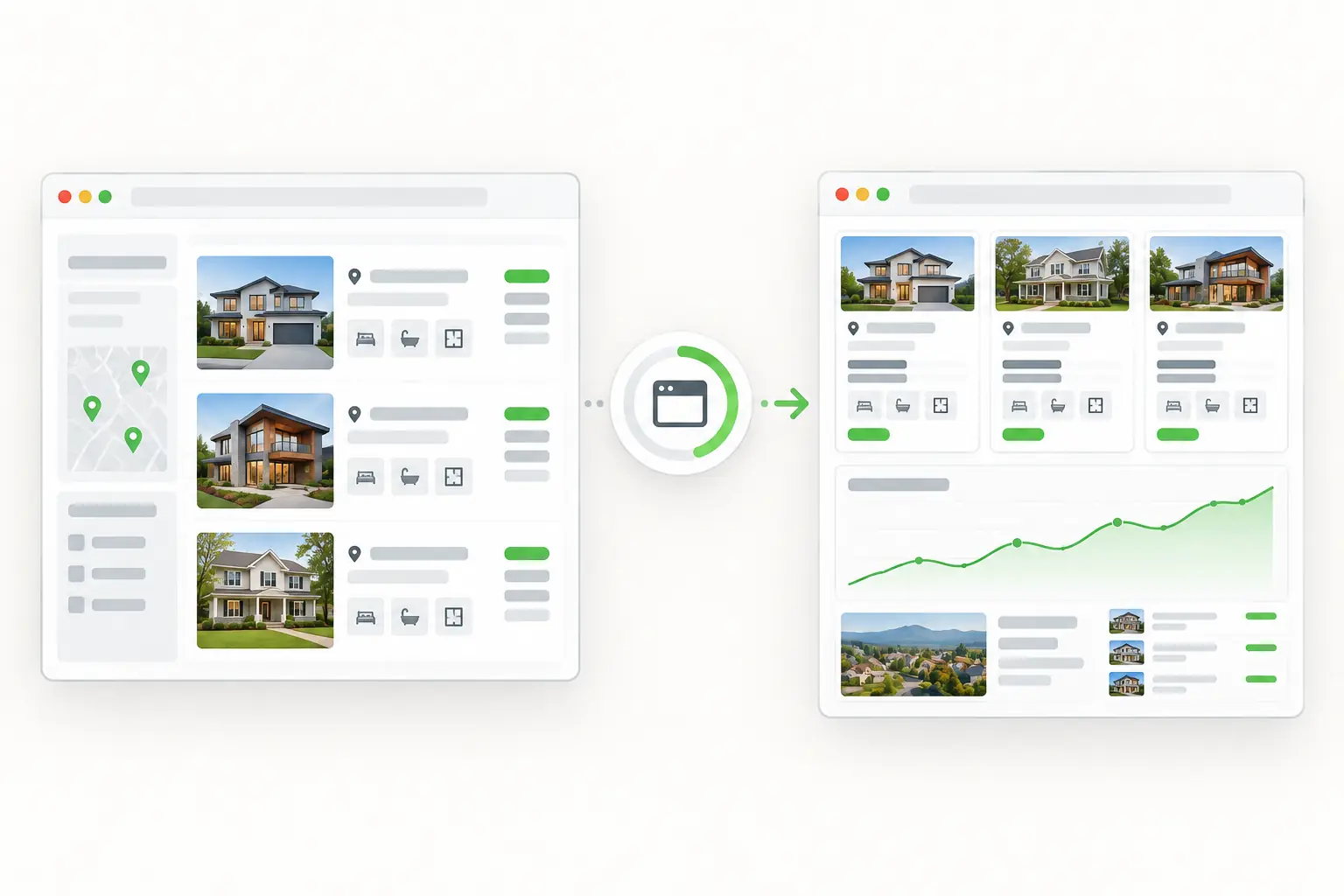
Listings, rents and property details sit on many websites. Send each page URL to ScrapeDrive and get the page back as HTML, visible text, Markdown or a screenshot. Your code turns it into search, pricing and research tools.

500 credits after you confirm your email. No card.

Public property listings becoming comparable market and valuation data.
curl "https://sync.scrapedrive.com/api/v1/scrape" \
  -H "Content-Type: application/json" \
  -d '{
    "api_key": "YOUR_KEY",
    "url": "https://property-site.example/city/homes-for-sale",
    "result_type": "page_markdown",
    "render_js": true,
    "proxy_pool": "datacenter"
  }'

What comes back

Response body
The listing page as Markdown, after its scripts ran.
X-Sdrive-Credits
The credits charged. A datacenter route with browser rendering costs 10.
X-Sdrive-Job-Id
The job id. The same job appears in your dashboard job history.
A request that ends without a result
Costs 0 credits.

What real estate teams fetch, and what they build.

Listing marketplaces and property data companies fetch many pages because coverage is their product. Brokers, investors and property managers fetch smaller sets for the markets they serve.

  • For-sale listings

    Asking price, address, rooms, floor area and listing status

    What they build. Searchable inventory for a market

  • Rental listings

    Monthly rent, availability, unit type and amenities

    What they build. Rent comparisons by area or building

  • Property detail pages

    Description, features, agent and listing history

    What they build. Property profiles for review

  • The same market pages, fetched again

    New, removed and changed listings

    What they build. Change feeds and alerts

  • Commercial and land listings

    Property type, acreage, units and price range

    What they build. Regional supply views

Four ways real estate teams use fetched pages.

Each one starts with URLs your team already knows. ScrapeDrive fetches them. Everything after the fetch runs in your own code.

Build one property search from many listing sites

A buyer should not need ten tabs to see one market. Marketplaces fetch listing pages from many sources so people can search in one place.

Who does it
Listing marketplaces and property portals
Pages they fetch
City and neighbourhood listing pages, then each property detail page they link to
What they build
A combined inventory with one record per property
Stays with your team
Choosing sources, parsing fields, matching the same property across sites and keeping records current
Combined inventory built by your application
New listing
Address, asking price and property details, with the source URL
Rental available
Building, monthly rent and unit type
Same property on two sites
Your matching rules merge them into one record

An example of your application's output. ScrapeDrive returned only the pages behind it.

Follow new listings, asking prices and rents

Prices and availability move every week. Investors, agents and property managers fetch the same pages again and compare them with what they saved last time.

Who does it
Investors, agents and property managers
Pages they fetch
The same listing, rental and detail pages, fetched on a schedule your team sets
What they build
A change feed of new listings, price changes and removed properties
ScrapeDrive features that help
Async requestsOutput formatsCost controls
Stays with your team
Scheduling the requests, storing each version and deciding which changes deserve an alert
Changes your application found
ChangeHow your code spots it
New listingThe property is not in the saved version
Price changedThe same listing shows a different asking price
No longer listedA saved property is missing from the latest page
Availability changedA rental unit shows a different status

ScrapeDrive fetches each version. Comparing versions and storing history happen in your system.

Compare similar properties before you value or invest

A valuation is only as good as its comparables. Analysts gather nearby properties with a similar size, age and type before they estimate a price or a rent.

Who does it
Valuation analysts and investment teams
Pages they fetch
Listing and property detail pages around the subject property
What they build
A set of comparable properties for a valuation or rent study
Stays with your team
Defining what counts as similar, keeping each source separate and running the valuation model your team trusts
Comparable set prepared by your code
Subject area
Target neighbourhood
Property type
Matched
Bedrooms
Matched
Floor area
Within your range
Comparables
Chosen by your rules
Source URL
Kept for each record

Field names and matching rules come from your team. ScrapeDrive supplies no valuation.

Find properties worth a closer look

Acquisition and development teams need a short list, not a whole market. They use relistings, removals and price changes as reasons to review a property.

Who does it
Acquisition and development teams
Pages they fetch
Residential, commercial and land listing pages for the markets they cover
What they build
A research list of properties to review, grouped by type and market
ScrapeDrive features that help
Async requestsProxy routingCost controls
Stays with your team
Choosing the signals, checking each property and deciding what to pursue
Research list workflow
  1. 1Send the listing page URLs you followYour team
  2. 2Fetch each page and return itScrapeDrive
  3. 3Parse status, price and property typeYour code
  4. 4Flag relistings, removals and price changesYour code
  5. 5Review the flagged propertiesYour analysts

A flag asks for a review. It does not establish value or suitability.

Spend engineering time on your property product, not page-fetching infrastructure.

What ScrapeDrive handles, and what stays with you.

ScrapeDrive fetches the page. Your team decides which pages matter and what the content means.

ScrapeDrive does

  • Fetches each listing, rental or detail URL you send, one URL per request
  • Runs a real browser when a listing grid needs JavaScript
  • Waits for a selector, such as a results grid, for up to 15 seconds
  • Routes the request through datacenter or residential proxies
  • Returns HTML, visible text, Markdown or a screenshot
  • Charges 0 credits when a request ends without a result

Your team does

  • Choosing which sites and pages to fetch
  • Parsing price, address, rooms and status from each page
  • Matching the same property across sources
  • Scheduling repeat fetches and storing history
  • Deciding which changes matter and who hears about them

Want listings delivered as agreed fields on a schedule instead? Managed scraping builds and runs that collection for you. See managed scraping

Features real estate pages tend to need.

Start with a plain request. Add browser, routing or waiting settings only when the page needs them.

Questions real estate teams ask

Start with one property page.

Paste a page URL into the Playground and see exactly what ScrapeDrive returns.

500 credits after you confirm your email. No card.