Know what a request can cost before it runs
A Standard request has a fixed price you can work out from its parameters. An Auto request has a ceiling you set. A request that ends without a usable page costs 0 credits, and rejected requests are not charged.
500 credits after you confirm your email. No card.
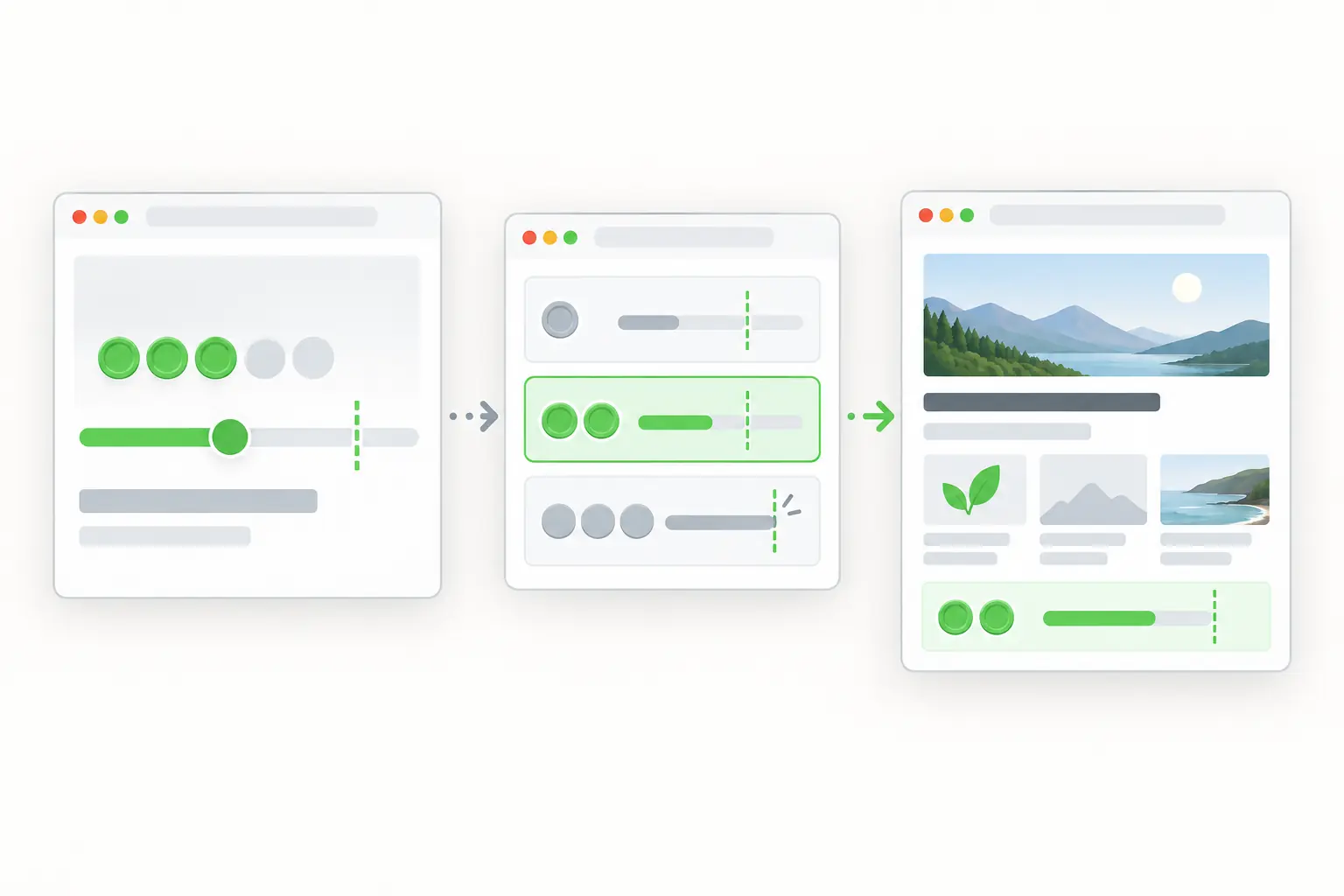
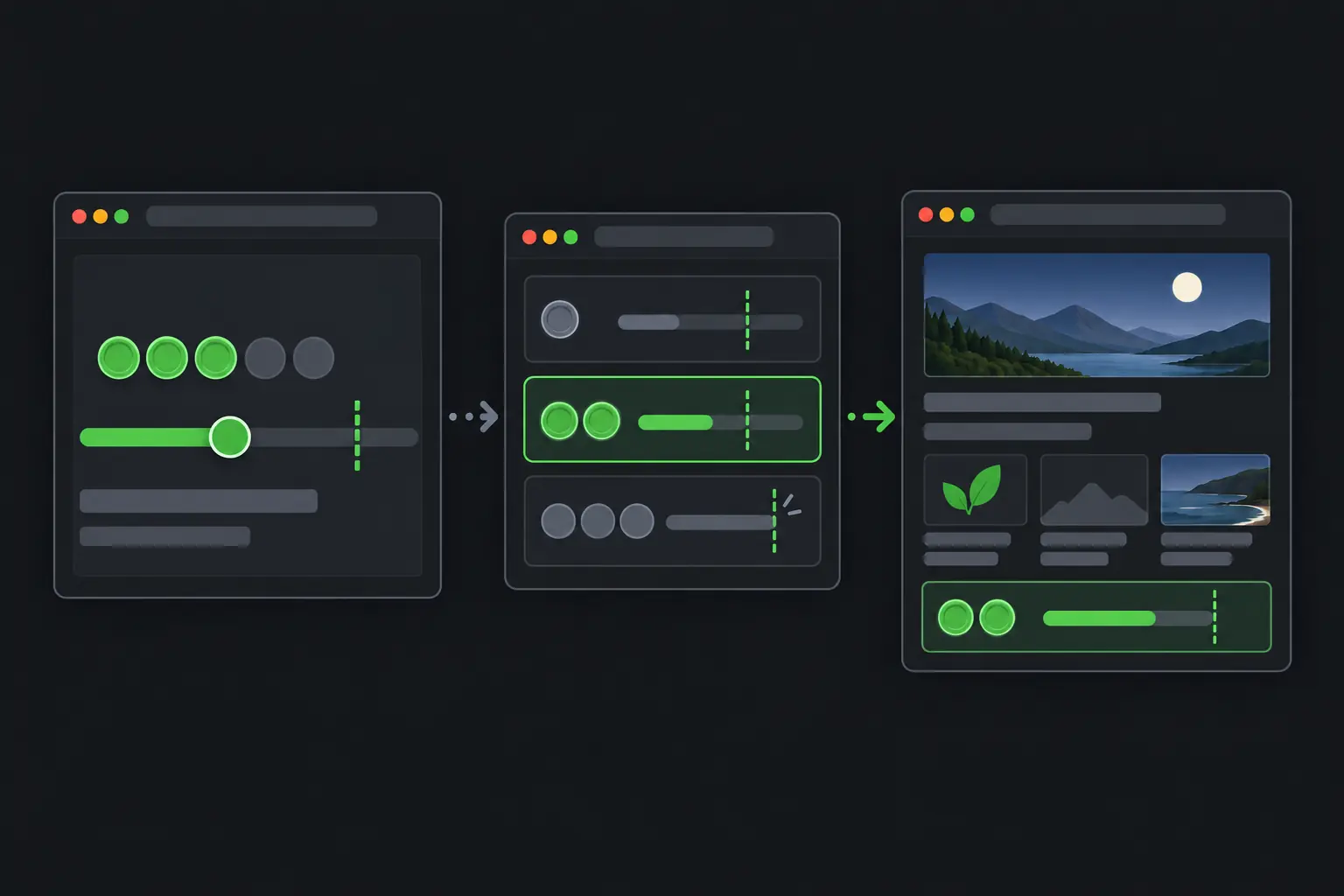
What this request asks for
- proxy_pool=residential
- 5 base credits plus 5 for the residential network.
- render_js=true
- Plus 5 for the browser. 15 credits in total.
- X-Sdrive-Credits
- Reports the settled charge on a terminal sync response.
What it does for a request
- Prices from parts
- Base 5 credits. The residential network, JavaScript rendering and any screenshot add 5 each. Costs add and never multiply, so one request costs at most 20 credits.
- Fixes the Standard price
- The price is set when the request is accepted. It does not change if ScrapeDrive recovers on another route.
- Caps Auto
- max_credits is required with auto=true, and the final charge never exceeds it.
- Reports the charge
X-Sdrive-Creditson a terminal sync response is the exact charge, 0 on a terminal failure. A polled async job shows it as credits.- Skips rejections
- Requests rejected for validation, the rate limit, the backlog limit or insufficient credits are not charged.
When to use it
Use it when
- You plan a monthly budget from a known mix of requests.
- You want Auto to try harder routes without going over a set charge.
Leave it out when
- You only need a ceiling for Auto. A Standard request already has one fixed price, so max_credits applies to Auto only.
How to set it
Datacenter HTTP
5
Base
Datacenter browser
10
Base and JavaScript rendering
Residential HTTP
10
Base and residential network
Residential browser
15
Base, residential network and JavaScript rendering
Residential browser with screenshot
20
All four parts
Limits to plan for
- A page the site delivered is charged even when it answered 404 or 410, or held content your workflow did not expect.
- A sync 504 means the wait ran out. It carries no X-Sdrive-Credits header, and the final state of the job is in your dashboard job history.
- At zero credits the API rejects a request with 402 before charging it.
- Plan allowances are on the pricing page.
Other features
Start with a plain request. Add browser, routing or waiting settings only when the page needs them.
Automatic routing
ScrapeDrive picks HTTP or browser, proxy pool and location, under the max_credits ceiling you set.
See the feature, Automatic routingJavaScript rendering
Load the page in a real browser so content that scripts add is in the result.
See the feature, JavaScript renderingProxy routing
Send a Standard request through datacenter or residential proxies, or through your own proxy.
See the feature, Proxy routingGeo targeting
Route a residential Standard request through the country you name with proxy_country.
See the feature, Geo targetingWebpage screenshots
Add an image of the viewport, the full page or one element to a request.
See the feature, Webpage screenshotsOutput formats
Choose HTML, visible text or Markdown with result_type, at the same price.
See the feature, Output formatsAsync requests
Get a job id at once, then poll for the result or receive it at an HTTPS webhook.
See the feature, Async requestsBrowser waits
Hold a browser request for a load event, a CSS selector or a fixed delay.
See the feature, Browser waitsHeaders and sessions
Pass your own headers to the site and keep one proxy session across related requests.
See the feature, Headers and sessions
Try cost controls on your page
Paste a page URL into the Playground and see exactly what ScrapeDrive returns.
500 credits after you confirm your email. No card.