Try ScrapeDrive with 500 free credits. No card. Start free.

ScrapeDrive

Fetch public documentation and research pages. Feed the pipeline your models need.

Documentation, reference material, release notes and research pages change over time. Send each URL to ScrapeDrive, get HTML, visible text, Markdown or a screenshot, and process the content under your own data and model rules.

500 credits after you confirm your email. No card.

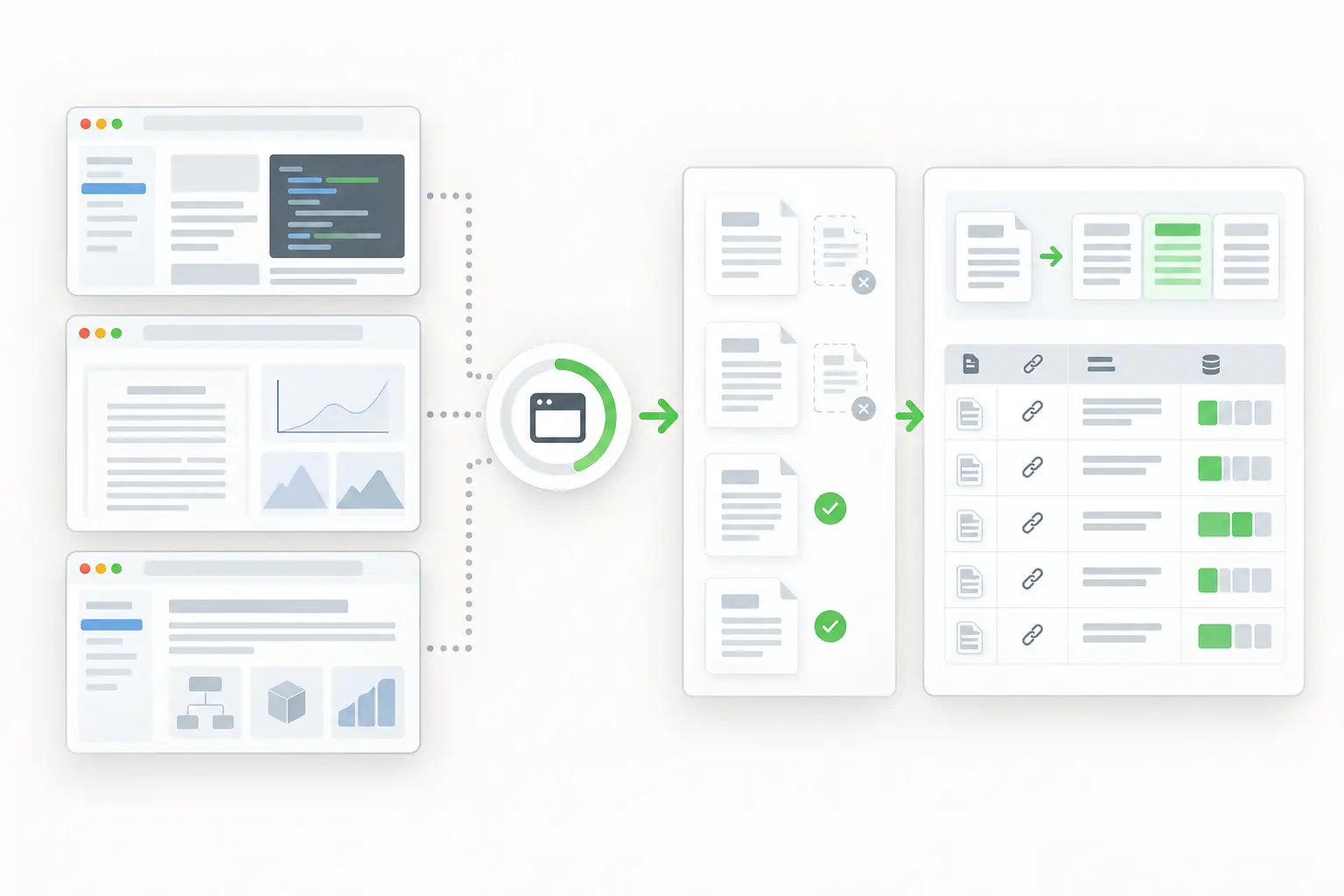
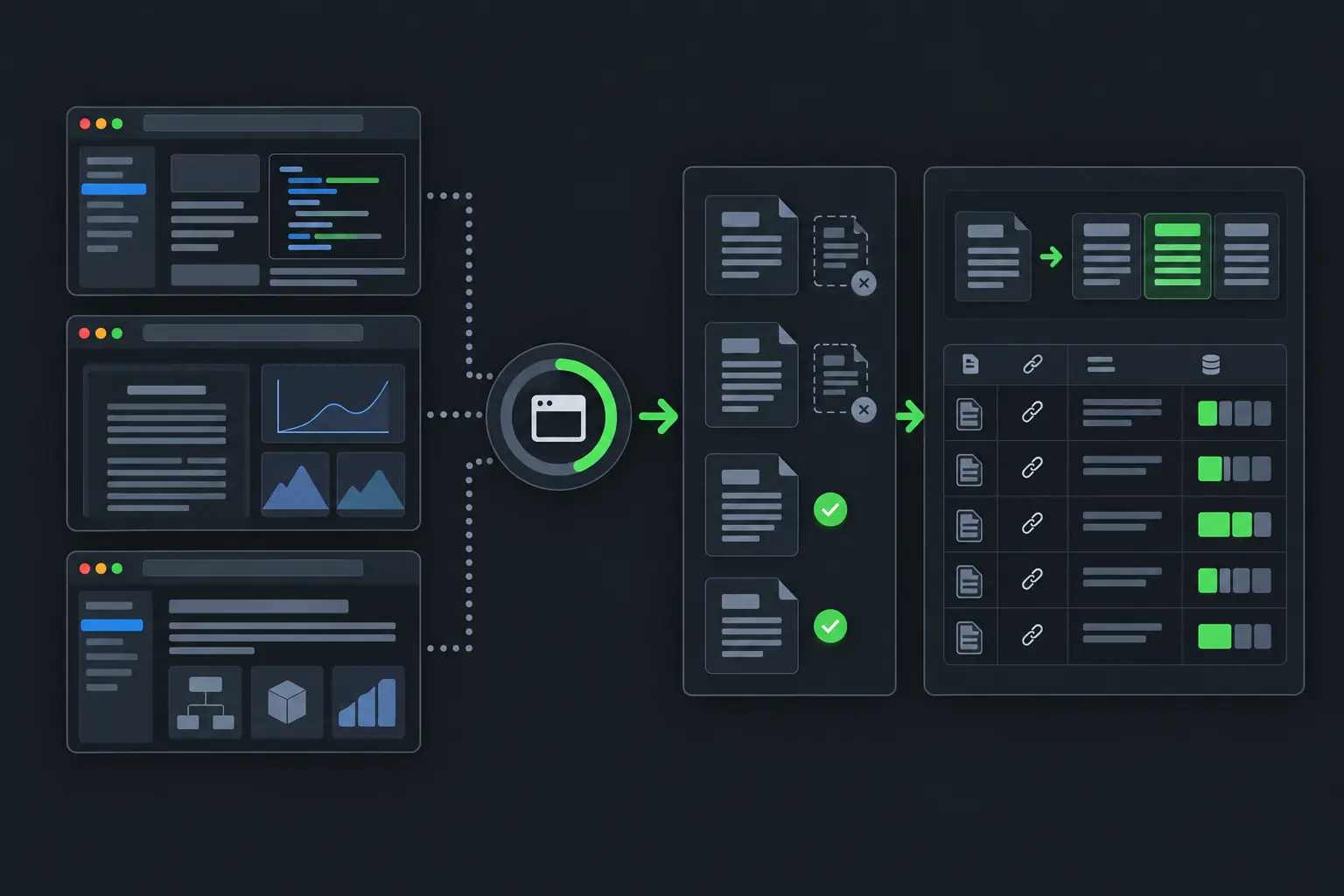
Public technical documentation and research becoming a cleaned source-linked dataset.
curl "https://sync.scrapedrive.com/api/v1/scrape" \
  -H "Content-Type: application/json" \
  -d '{
    "api_key": "YOUR_KEY",
    "url": "https://docs.example/guide/getting-started",
    "result_type": "page_markdown",
    "proxy_pool": "datacenter"
  }'

What comes back

Response body
The documentation page converted to Markdown.
X-Sdrive-Credits
The credits charged. A plain datacenter request costs 5.
X-Sdrive-Job-Id
The job id. The same job appears in your dashboard job history.
A request that ends without a result
Costs 0 credits.

What AI teams fetch, and what they build.

AI product and research teams use permitted public pages as inputs to knowledge systems, datasets and evaluations. Fetching is the first step, not the whole pipeline.

  • Documentation pages

    Title, headings, body text, links and version

    What they build. Retrieval collections for search and assistants

  • Release notes

    Product, version, changes and date

    What they build. Product change timelines

  • Research pages

    Title, authors, abstract and links

    What they build. Literature indexes

  • Reference and editorial pages

    Main text, date, language and source

    What they build. Permitted corpus inputs

  • Public discussion pages

    Topic, post text, date and links

    What they build. Evaluation and research samples

Four ways AI teams use fetched pages.

In each workflow, ScrapeDrive performs the fetch. Rights checks, filtering, chunking, labeling and model use belong to your pipeline.

Keep a retrieval system current with approved documentation

An assistant that answers from last quarter's docs gives last quarter's answers. Product teams fetch a known set of documentation URLs again and reprocess what changed.

Who does it
AI product and knowledge platform teams
Pages they fetch
Documentation, API reference and release note pages from sources you approved
What they build
A refresh queue that sends changed pages to chunking, embedding and indexing
Stays with your team
Approving sources, chunking, embedding, indexing and deciding how often to refresh
Refresh queue prepared by your code
PageWhat your code found
/guide/startContent changed
/api/referenceVersion updated
/release-notesNew entry
/guide/legacyPage removed

Your pipeline spots changes by comparing each fetch with the saved copy.

Gather dataset content from sources you may use

Research teams build datasets from many pages. Fetching a page does not grant permission to use it, and it does not make the page good training data.

Who does it
Machine learning research teams
Pages they fetch
Pages from sources your team has checked for rights and terms
What they build
A dataset that passed your rights, language, duplicate and quality checks
ScrapeDrive features that help
Output formatsAsync requestsCost controls
Stays with your team
Rights and privacy review, main content selection, deduplication, filtering and quality review
Dataset pipeline
  1. 1Fetch the pageScrapeDrive
  2. 2Check rights and termsYour team
  3. 3Select the main contentYour code
  4. 4Check language and remove duplicatesYour code
  5. 5Review quality and approveYour team

ScrapeDrive performs only the first step.

Save page states for repeatable model and agent tests

An evaluation is only repeatable when its input stays the same. Evaluation teams capture selected pages and screenshots, then write tasks against that saved evidence.

Who does it
Evaluation and agent testing teams
Pages they fetch
Selected public pages that a model or agent will be tested on
What they build
An evaluation set with the saved page, a screenshot, the capture time and an expected result written by a person
Stays with your team
Writing tasks and expected results, versioning the set and deciding when to capture again
Evaluation record
Target URL
Saved
Captured at
Your timestamp
Page version
Your hash
Expected result
Written by a person

Your team creates and reviews labels and expected outcomes.

Follow public releases and research in your field

Model providers and tool vendors change their documentation and features often. Product and research teams fetch those pages and compare them over time.

Who does it
Product strategy and research teams
Pages they fetch
Public release notes, documentation and research publication pages
What they build
A change timeline that links every summary to the page it came from
ScrapeDrive features that help
Output formatsAsync requestsBrowser waits
Stays with your team
Deciding which changes matter, resolving product names and reviewing summaries before sharing them
Change timeline your application keeps
Release note
Feature changed
Documentation
New parameter added
Research page
New paper linked

Your analysts decide what a change means.

Keep engineering time for data quality and model work, not page-fetching infrastructure.

What ScrapeDrive handles, and what stays with you.

ScrapeDrive returns page content. What you may do with it and how you prepare it stay with your team.

ScrapeDrive does

  • Fetches each documentation, release note, research or reference URL you send
  • Returns HTML, visible text or Markdown at the same price
  • Runs a browser for documentation sites that render with JavaScript
  • Blocks images, styles, fonts and ad scripts by default in browser runs
  • Captures screenshots for visual evaluation
  • Queues many URLs as async jobs with webhook delivery
  • Charges 0 credits when a request ends without a result

Your team does

  • Checking rights, terms and privacy for every source
  • Selecting the main content and removing duplicates
  • Chunking, embedding and labeling
  • Building and versioning datasets and evaluation sets
  • Deciding how and when the content reaches a model

Need agreed sources collected and delivered on a schedule? Managed scraping builds and runs that for you. See managed scraping

Features AI pipelines tend to need.

Start with a plain request. Add browser, routing or waiting settings only when the page needs them.

Questions AI teams ask

Start with one documentation page.

Paste a page URL into the Playground and see exactly what ScrapeDrive returns.

500 credits after you confirm your email. No card.