Try ScrapeDrive with 500 free credits. No card. Start free.

ScrapeDrive

Fetch public legal pages. Keep matter and rule research current.

Rules, opinions, public dockets, filings and trademark records live across many public sources. Send a URL to ScrapeDrive and let your systems compare, organize and review the returned page.

500 credits after you confirm your email. No card.

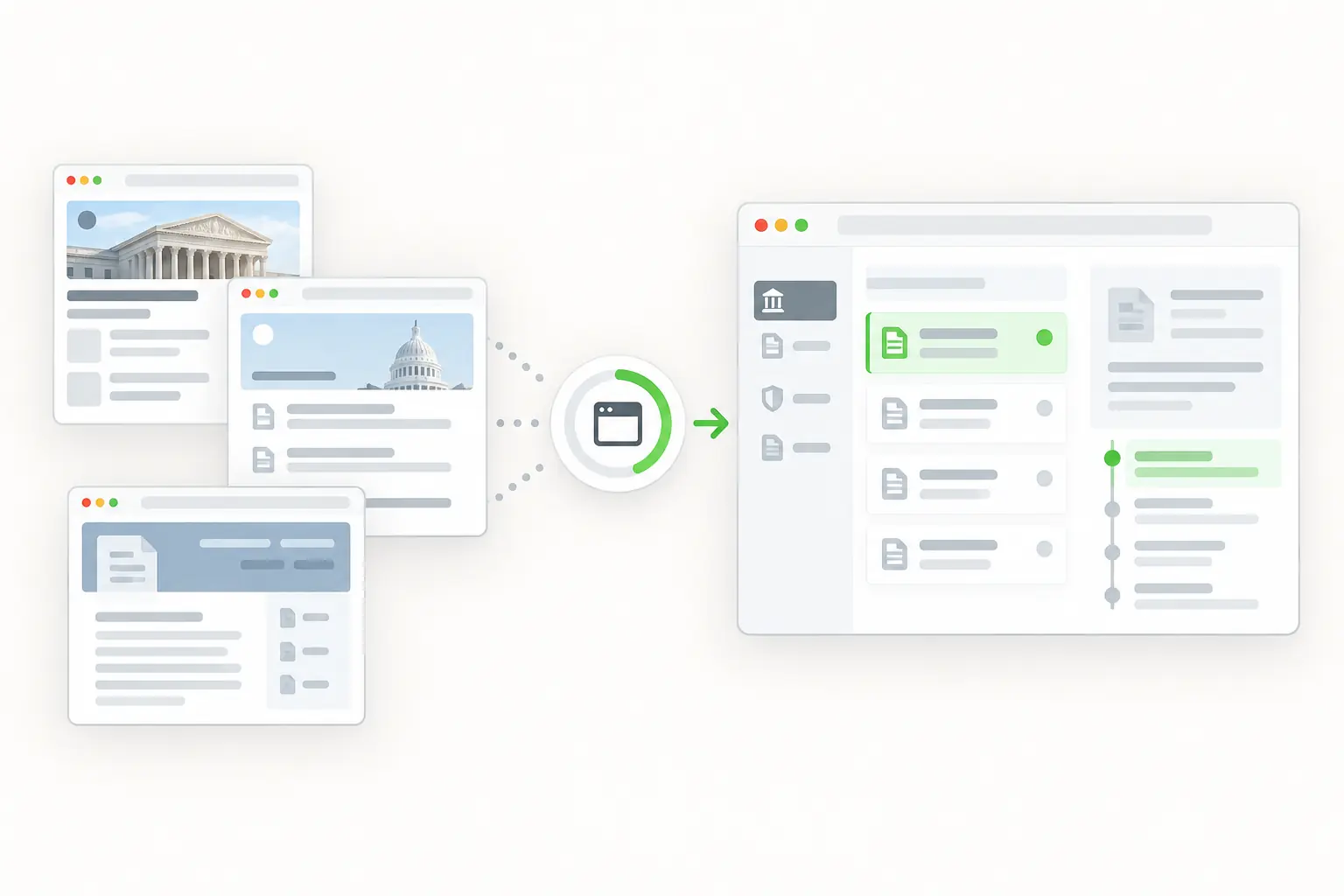
Public court and regulator documents becoming a legal change-monitoring workspace.
curl "https://sync.scrapedrive.com/api/v1/scrape" \
  -H "Content-Type: application/json" \
  -d '{
    "api_key": "YOUR_KEY",
    "url": "https://law.example/notices/example-notice",
    "result_type": "html",
    "proxy_pool": "datacenter"
  }'

What comes back

Response body
The HTML of the notice page.
X-Sdrive-Credits
The credits charged. A plain datacenter request costs 5.
X-Sdrive-Job-Id
The job id. The same job appears in your dashboard job history.
A request that ends without a result
Costs 0 credits.

What legal teams fetch, and what they build.

Legal and compliance teams follow selected public sources to find new material, record where it came from and send possible changes to qualified reviewers.

  • Rules and notices

    Agency, title, dates, status and text

    What they build. Regulatory change queues

  • Public opinions and dockets

    Case, court, parties, entries and links

    What they build. Public litigation research

  • Company filings

    Entity, filing type, date and documents

    What they build. Due diligence timelines

  • Trademark and patent records

    Identifier, owner, class and status

    What they build. Intellectual property watch lists

  • Enforcement notices

    Agency, entity, action, date and text

    What they build. Compliance and matter research

Four ways legal teams use fetched pages.

ScrapeDrive fetches public pages you are allowed to access. It gives no legal advice and interprets nothing.

Find new rules, guidance and changed deadlines

Regulatory teams need to see a new comment date or effective date soon after it is published. They fetch agency pages and compare them with the saved versions.

Who does it
Regulatory affairs and compliance teams
Pages they fetch
Agency rule, guidance and enforcement notice pages
What they build
A review queue that routes each change to a qualified reviewer
ScrapeDrive features that help
Output formatsAsync requestsBrowser waits
Stays with your team
Comparing versions, judging legal effect and deciding the required action
Regulatory review queue
ItemWhat changed
Proposed ruleNew comment date
Final ruleEffective date found
GuidanceText changed
Enforcement noticeNew entity named

ScrapeDrive returns the page. It does not interpret legal effect.

Organize public opinions and docket pages by matter

Litigation support teams follow public filings across many cases. Every entry needs its court, case number and date before anyone relies on it.

Who does it
Litigation support teams
Pages they fetch
Public opinion and docket pages they are permitted to access
What they build
A matter timeline with document links and entry dates
Stays with your team
Matching case identifiers and parties, checking completeness and keeping access rights
Matter timeline workflow
  1. 1List the public docket and opinion pagesYour team
  2. 2Fetch each pageScrapeDrive
  3. 3Key entries by court and case numberYour code
  4. 4Mark gaps instead of assuming nothing happenedYour code
  5. 5Review new entriesYour attorneys

Paid or login protected court systems are outside this workflow.

Build a due diligence timeline from public filings

Before a deal or a new counterparty, lawyers review what a company has filed and what regulators have said about it.

Who does it
Corporate and transactional legal teams
Pages they fetch
Public company filing pages and enforcement notices that name the company
What they build
A due diligence timeline with each filing and notice linked to its source
ScrapeDrive features that help
Output formatsAsync requestsCost controls
Stays with your team
Confirming the entity, checking coverage and drawing legal conclusions
Due diligence timeline your team reviews
Annual filing
Linked to the source document
Enforcement notice
Entity match needs review
Change of name
Confirmed by your team

Coverage and conclusions stay with your legal team.

Watch public trademark and patent records for a portfolio

An opposition or renewal window is easy to miss. IP teams fetch selected record pages and match them against an internal watch list.

Who does it
Intellectual property teams
Pages they fetch
Public trademark and patent record and publication pages
What they build
A watch list with the status history of each application
ScrapeDrive features that help
Browser waitsOutput formatsAsync requests
Stays with your team
Defining watch criteria, reviewing uncertain name matches and every legal interpretation
Record changes your application found
FieldChange
Application statusChanged
Owner nameUpdated
New publicationAdded
ClassificationNeeds review

Your team defines the watch criteria and what a change means.

Keep engineering time for research and legal workflows, not page-fetching infrastructure.

What ScrapeDrive handles, and what stays with you.

ScrapeDrive fetches public pages. Legal interpretation, source coverage and decisions stay with your organization.

ScrapeDrive does

  • Fetches each public rule, notice, docket, filing or record URL you send
  • Runs a browser for records that load with JavaScript
  • Waits for a record or document selector for up to 15 seconds
  • Captures a screenshot to keep how a page looked
  • Returns HTML, visible text or Markdown at the same price
  • Returns a job id you can store with the matter
  • Charges 0 credits when a request ends without a result

Your team does

  • Choosing sources and checking you may access them
  • Parsing case numbers, dates and identifiers
  • Checking coverage and marking gaps
  • Comparing versions and keeping history
  • Legal advice, interpretation and every decision

Need agreed public sources collected with fields delivered on a schedule? Managed scraping builds and runs that for you. See managed scraping

Features legal pages tend to need.

Start with a plain request. Add browser, routing or waiting settings only when the page needs them.

Questions legal teams ask

Start with one public legal page.

Paste a page URL into the Playground and see exactly what ScrapeDrive returns.

500 credits after you confirm your email. No card.